uniapp 如何使用svg,亲测有效!

文章目录
将需要的图标 添加到购物车
点击购物车,添加至项目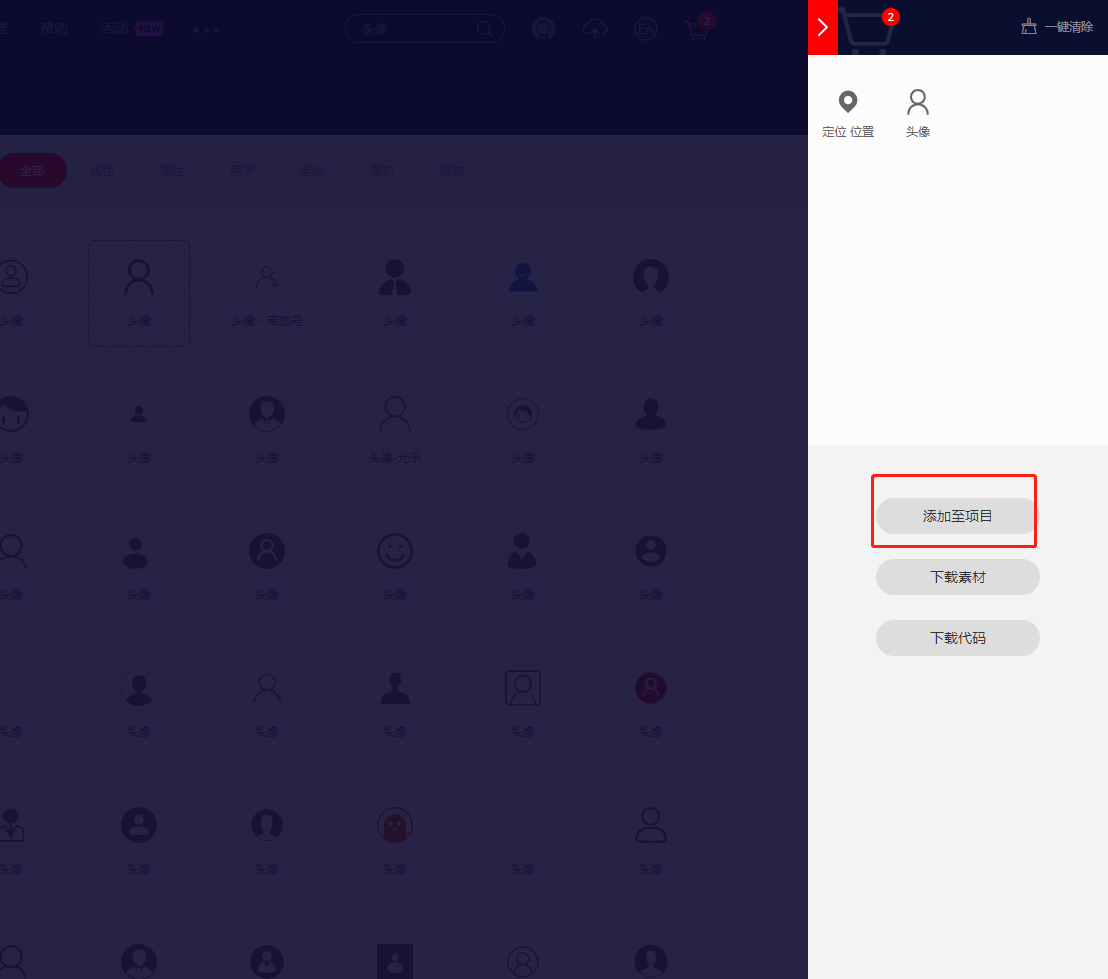
资源管理 -> 我的项目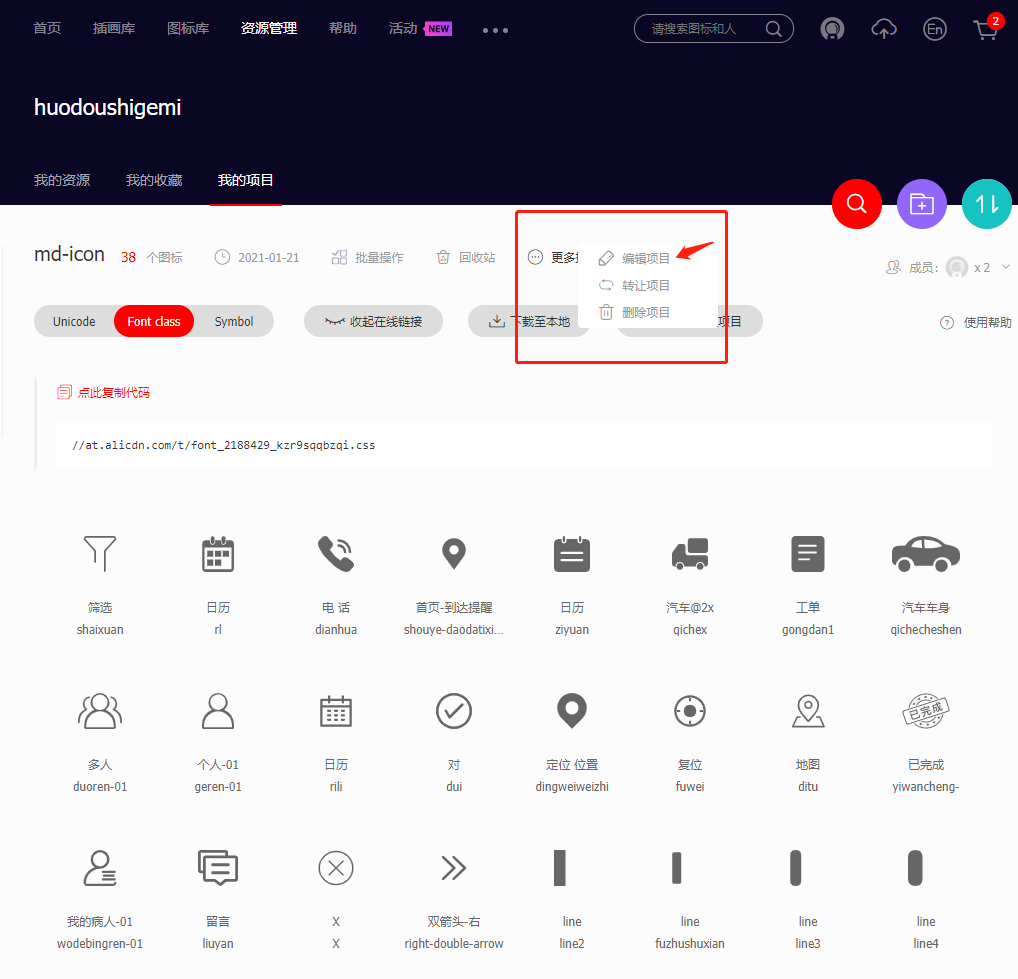
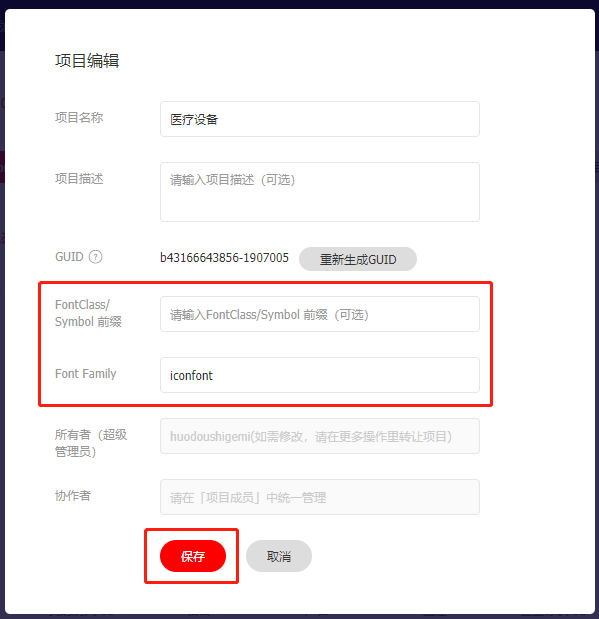
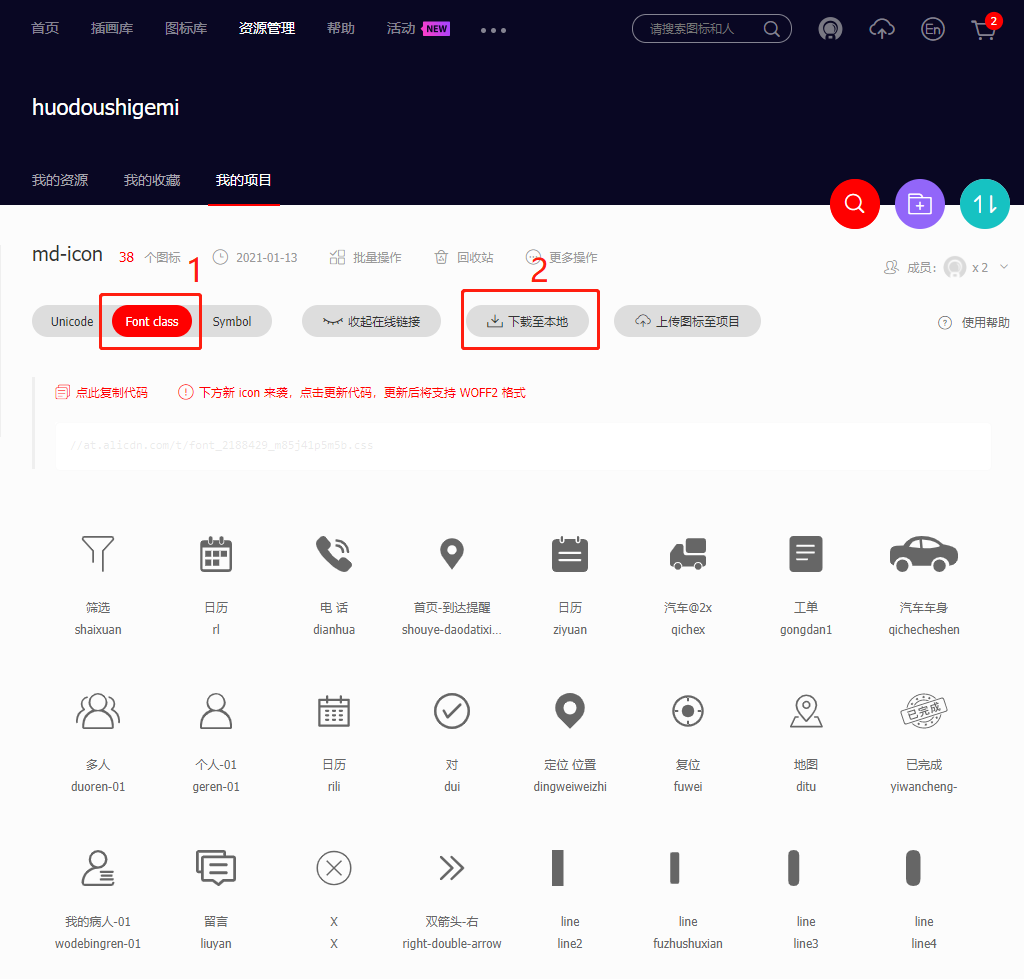
新建 组件iconfont,并将刚才下载的压缩包解压到 iconfont组件目录下
iconfont.vue
<template>
    <text class="iconfont" :class="name" :style="[{color: color}]" @click="$emit('click', $event)"></text>
</template>

<script>
    export default {
        props: {
            name: String,
            color: String
        }
    }
</script>

<style scoped>
@import url("./iconfont.css");

.iconfont {
    display: flex;
    align-items: center;
    justify-content: center;
    font-size: inherit;
}
</style>
现在组件就制作完成了,使用方法:
<iconfont name="shaixuan"></iconfont>name 属性参考以下
评论
登录后参与技术讨论,分享你的经验与见解。
登录 / 注册暂无评论