360°×180°全景效果图的实现

文章目录
市面上经常会看到一些VR看房,看车的软件,这种效果一般都是采用全景技术,增加用户沉浸式的体验。
今天就通过前端技术来实现全景图的效果。这里主要使用photo-sphere-viewer.js,是一款基于three.js和uEvent 2的全景插件
photo-sphere-viewer
地址:https://photo-sphere-viewer.js.org/
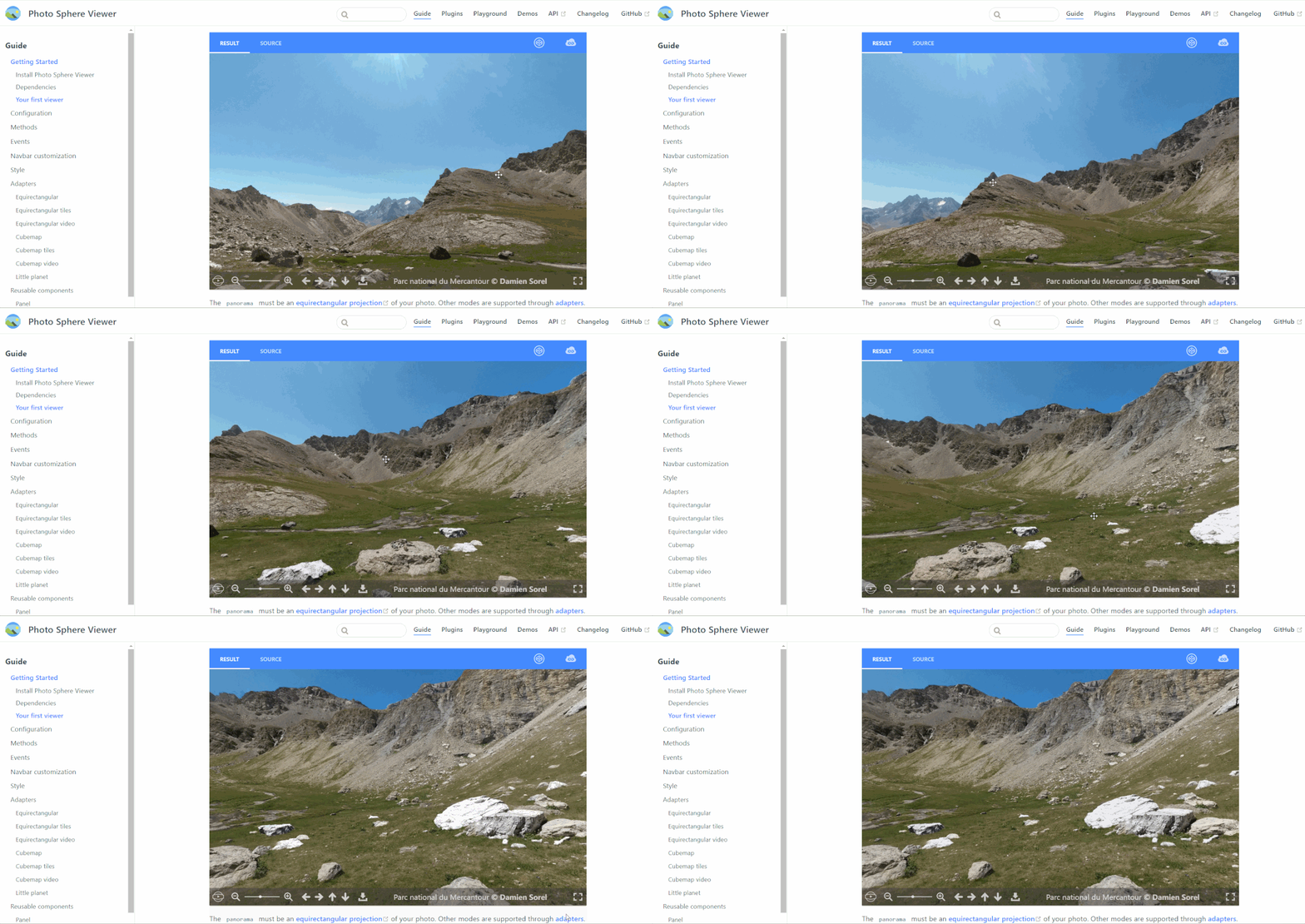
效果演示:
开始使用插件下载:
插件下载:
npm install photo-sphere-viewer
完整代码:
<template>
    <div id="viewer"></div>
</template>

<script>
import {Viewer} from 'photo-sphere-viewer'
import 'photo-sphere-viewer/dist/photo-sphere-viewer.css'
export default {
  data () {
    return {
      img:require('../../static/test.jpg'),
    }
  },
  mounted(){
      new Viewer({
          container:document.querySelector('#viewer'),
          panorama:this.img,
          size:{
              width: '100vw',
              height: '80vh',
          },
      });
  }
}
</script>
注意:图片自行替换成准备好的全景图。如果没有素材图可使用官方的素材图片:
https://photo-sphere-viewer-data.netlify.app/assets/sphere.jpg
运行效果:
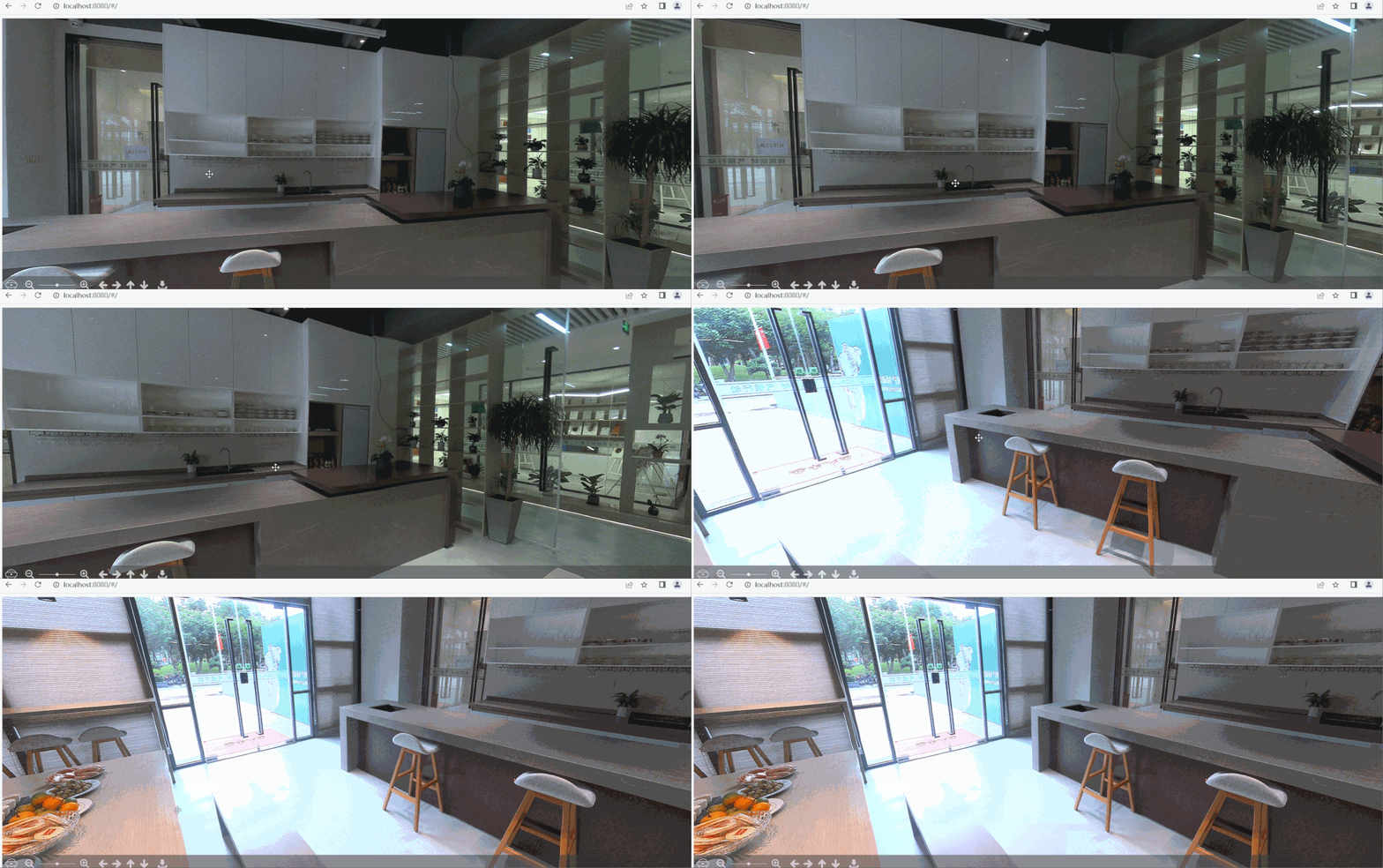
图片来源于网络参考图
以上只是 photo-sphere-viewer 插件的简单使用,还有丰富的标记markers插件的结合使用,更多功能可查看官网地址,结合自己的开发场景进行配置
另外一种开箱即用
下载地址:
https://gitee.com/jianshenggit/Photo-Sphere-Viewer

直接点击下载到本地
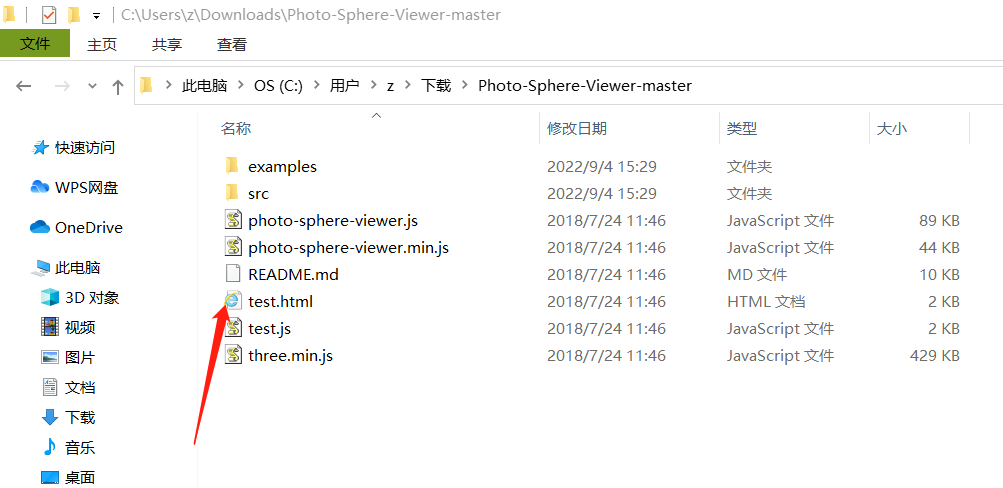
双击test.html文件运行

上传全景图片
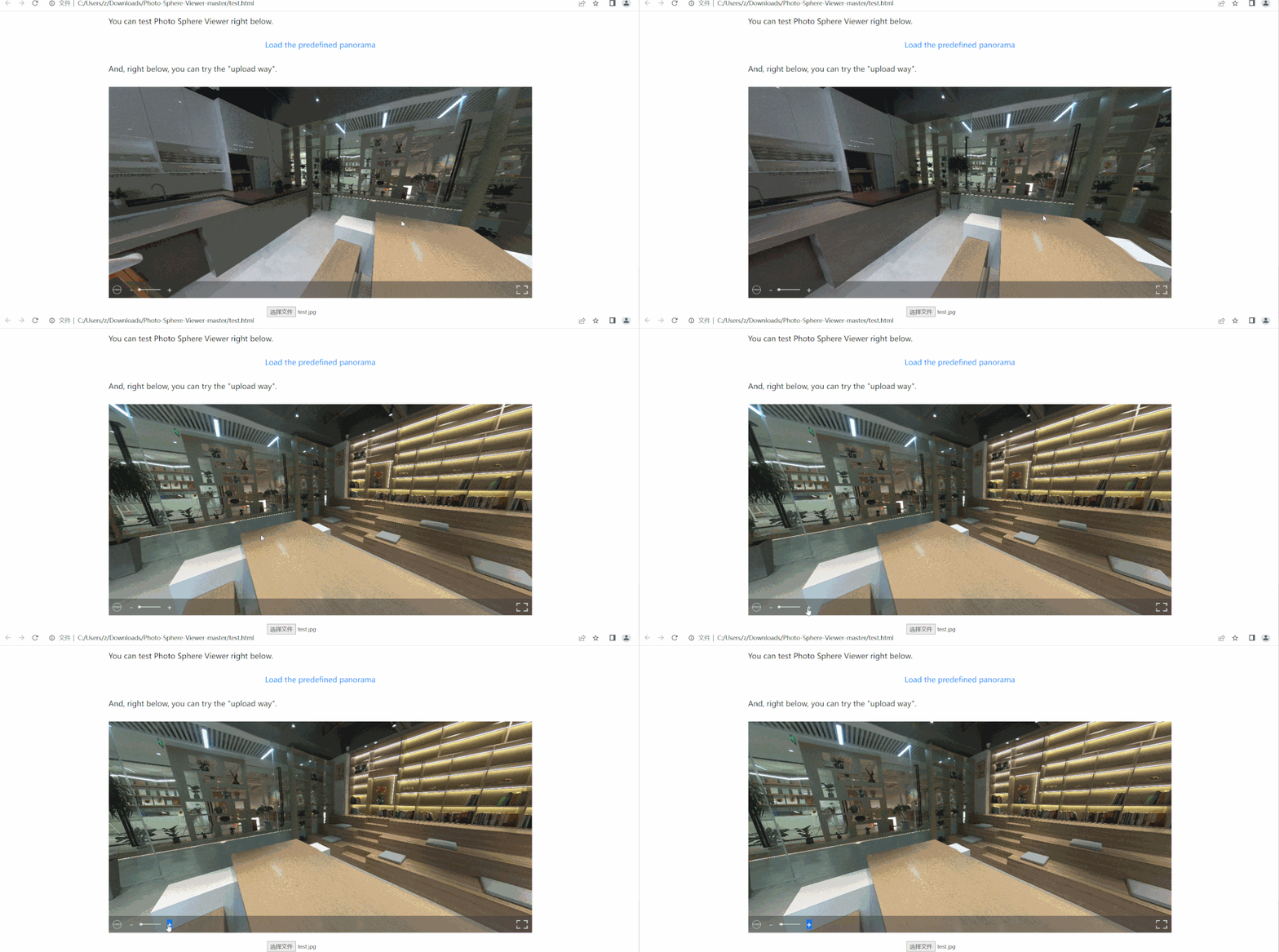
效果演示
评论
登录后参与技术讨论,分享你的经验与见解。
登录 / 注册暂无评论