PHP案例:实现登录功能

文章目录
说明:采用PhpStorm集成开发环境和wamp套件。
四个页面:登录页面、登录处理页面、成功页面、失败页面
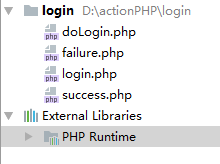
1、登录页面login.php
<!DOCTYPE html>
<html>
<head>
    <title>用户登录</title>
    <style type="text/css">
        body {
            text-align: center;
        }

        table {
            margin: auto;
        }
    </style>
</head>
<body>
<h3>用户登录</h3>
<form action="doLogin.php" method="POST">
    <table border="1" cellspacing="0" cellpadding="5">
        <tr>
            <td>用户名</td><td>
            <input id="username" type="text" name="username"></td>
        </tr>
        <tr>
            <td>密码</td>
            <td><input id="password" type="password" name="password"></td>
        </tr>
        <tr>
            <td colspan="2" align="center">
                <input type="submit" value="登录" οnclick="return checkForm();">
                <input type="reset" value="重置">
            </td>
        </tr>
    </table>
</form>
</body>
<script type="text/javascript">
    function checkForm() {
        var username = document.getElementById("username").value;
        var password = document.getElementById("password").value;

        if (username == null || username == "") {
            alert("用户名不能为空!");
            document.getElementById("username").focus();
            return false;
        }

        if (password == null || password == "") {
            alert("密码不能为空!");
            document.getElementById("password").focus();
            return false;
        }

        return true;
    }
</script>
</html>
2、登录处理页面doLogin.php
<?php
$username = $_POST["username"];
$password = $_POST["password"];

if ($username == "admin" && $password == "123456") {
    $location = "success.php?username=$username";
    header("location:$location");
} else {
    $location = "failure.php?username=$username";
    header("location:$location");
}
?>
3、登录成功页面success.php
<!DOCTYPE html>
<html>
<head>
    <title>登录成功</title>
</head>
<body>
<h1>
    <?php
    $username = $_GET["username"];
    echo $username;
    ?>,登录成功</h1>
</body>
</html>
4、登录失败页面failure.php
<!DOCTYPE html>
<html>
<head>
    <title>登录失败</title>
</head>
<body>
<h1>
    <?php
    $username = $_GET["username"];
    echo $username;
    ?>,登录失败</h1>
</body>
</html>
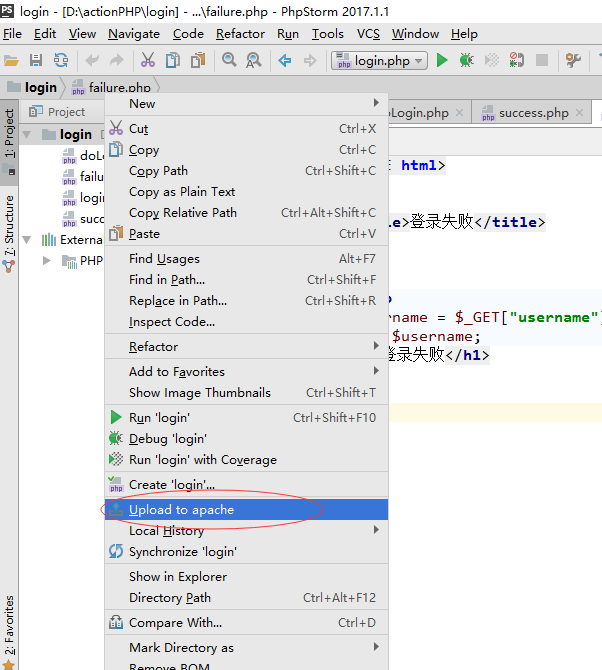
将php项目login上传到apache服务器:
访问 http://localhost/login/login.php
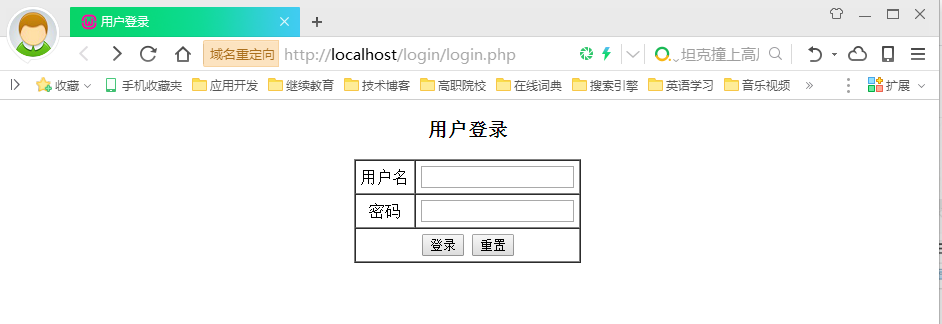
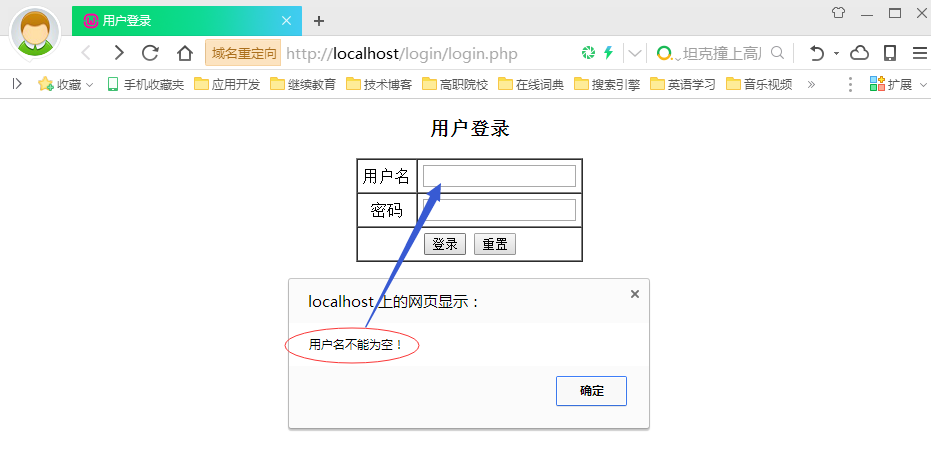
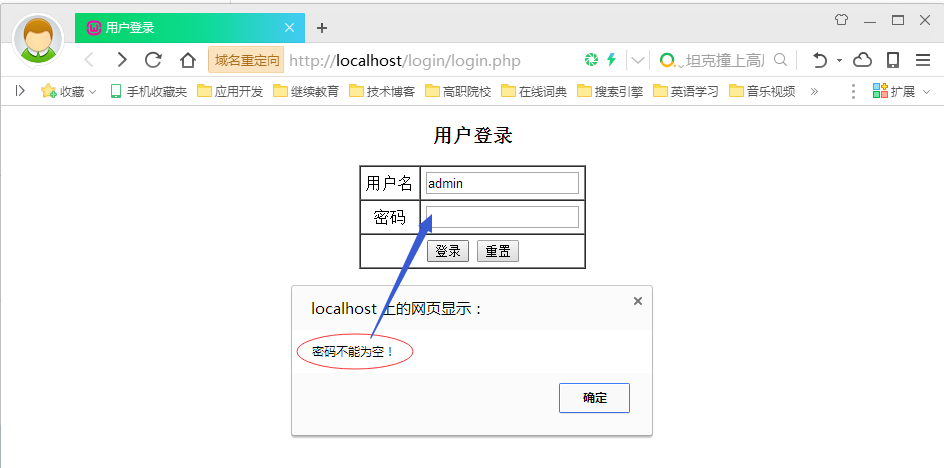
不输入用户名或密码,客户端验证会弹出消息框提示用户:
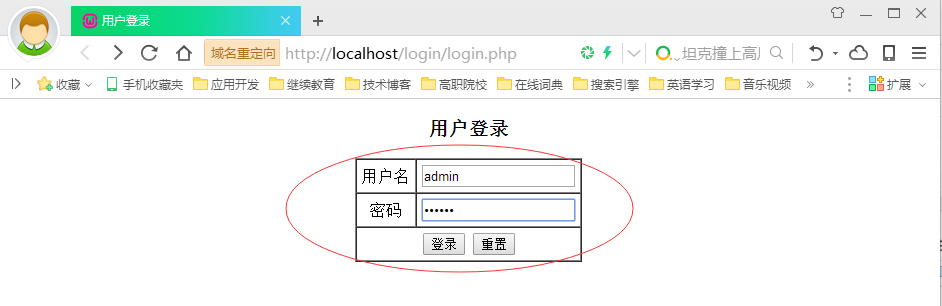
输入正确的用户名和密码:
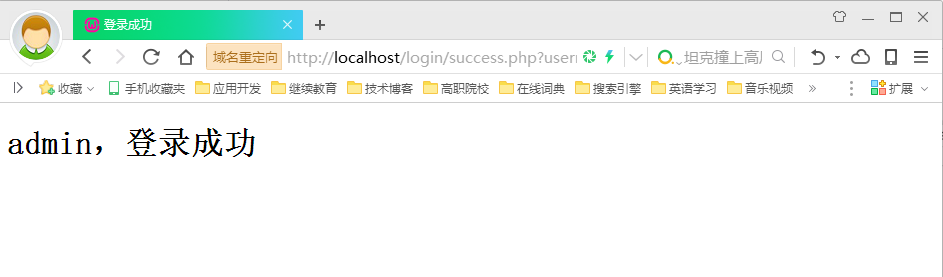
单击登录按钮,跳转到成功页面:
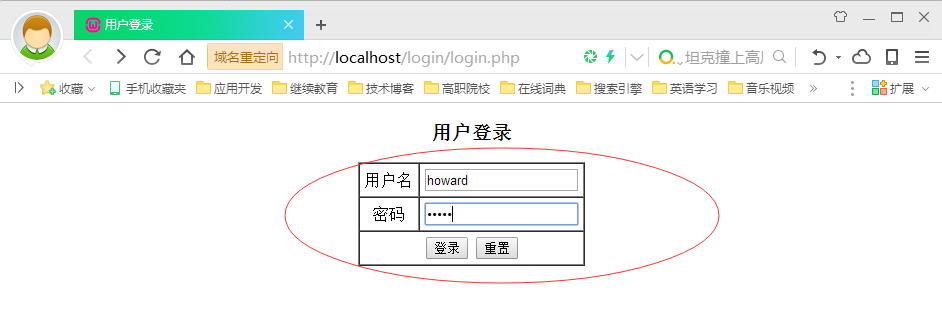
如果输入错误的用户名或密码:
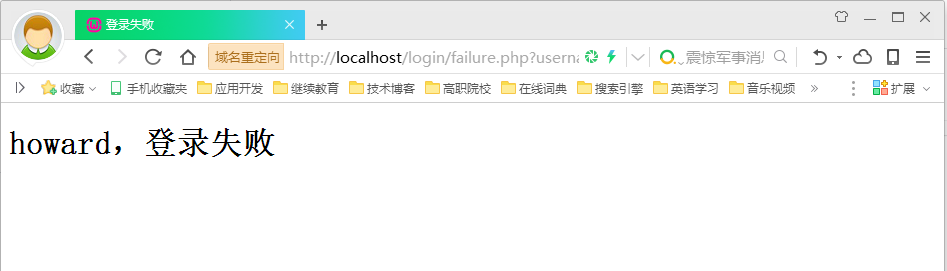
单击登录按钮,跳转到失败页面:
本文分享 CSDN - howard2005。
如有侵权,请联系 support@oschina.cn 删除。
本文参与“OSC源创计划”,欢迎正在阅读的你也加入,一起分享。
评论
登录后参与技术讨论,分享你的经验与见解。
登录 / 注册暂无评论