iTerm Oh My Zsh配置powerlevel 10k主题

文章目录
powerline/fonts字体安装
依赖powerline/fonts字体库,安装方式如下:
# clone
git clone https://github.com/powerline/fonts.git --depth=1
# install
cd fonts
./install.sh
# clean-up a bit
cd ..
rm -rf fonts
powerlevle 10k主题安装
主题powerlevel 10k,克隆到Oh My Zsh的主题目录,方式如下:
git clone --depth=1 https://github.com/romkatv/powerlevel10k.git ${ZSH_CUSTOM:-$HOME/.oh-my-zsh/custom}/themes/powerlevel10k配置Oh My Zsh
在 ~/.zshrc中设置ZSH_THEME="powerlevel10k/powerlevel10k"即可。
重启iTerm配置p10k
重启iTerm,直接会进入向导程序,第一步的操作必须选y,安装字体MesloLGS NF,然后根据提示,逐一选择自己的偏好设置。

接下来会有一些字体和图标检测:
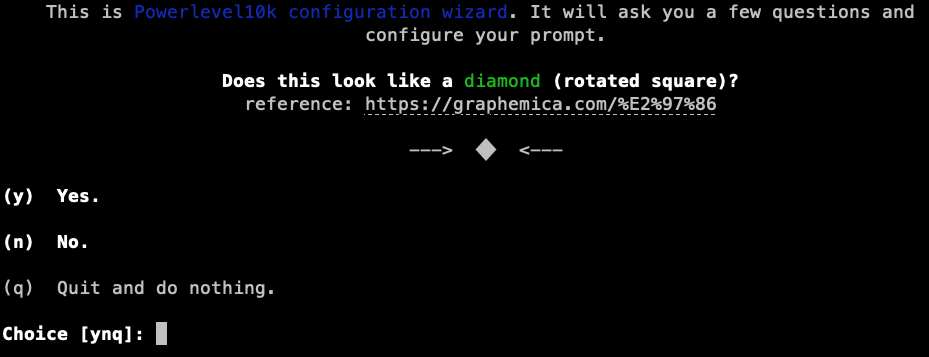
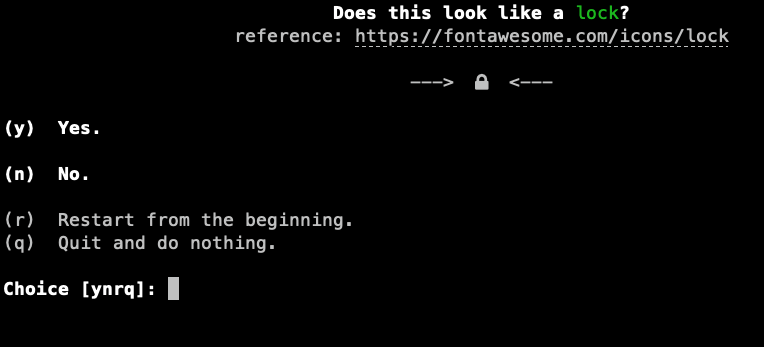
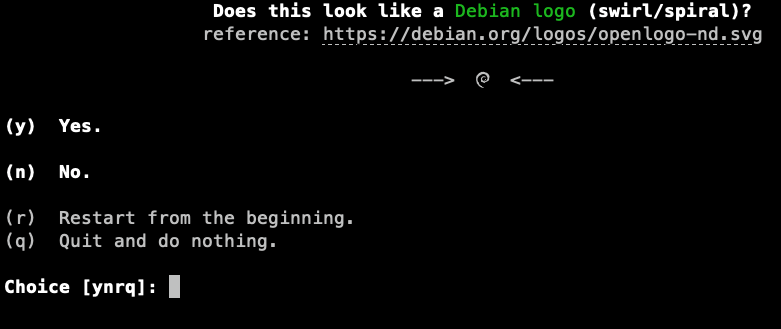

然后就是一些样式选择:
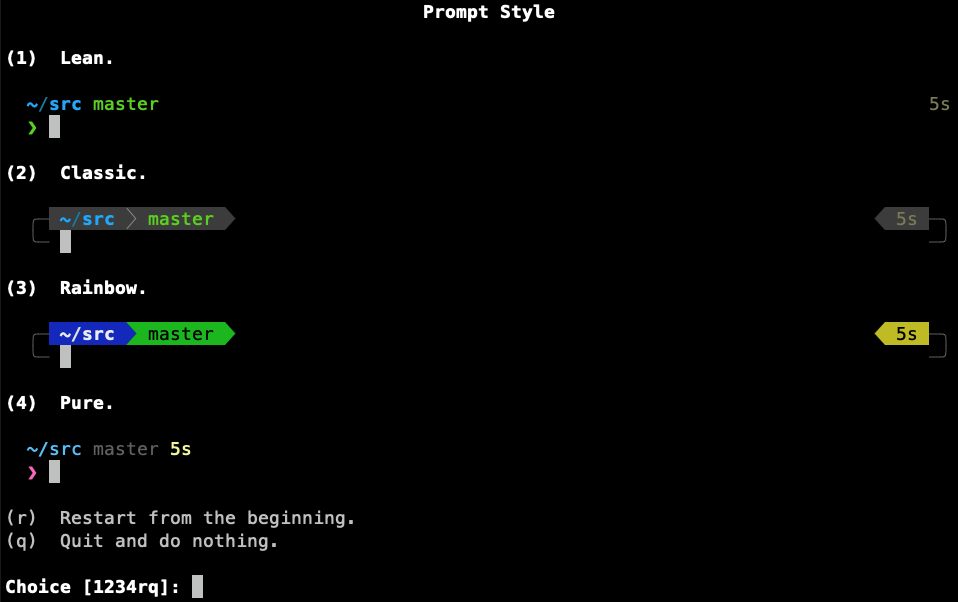


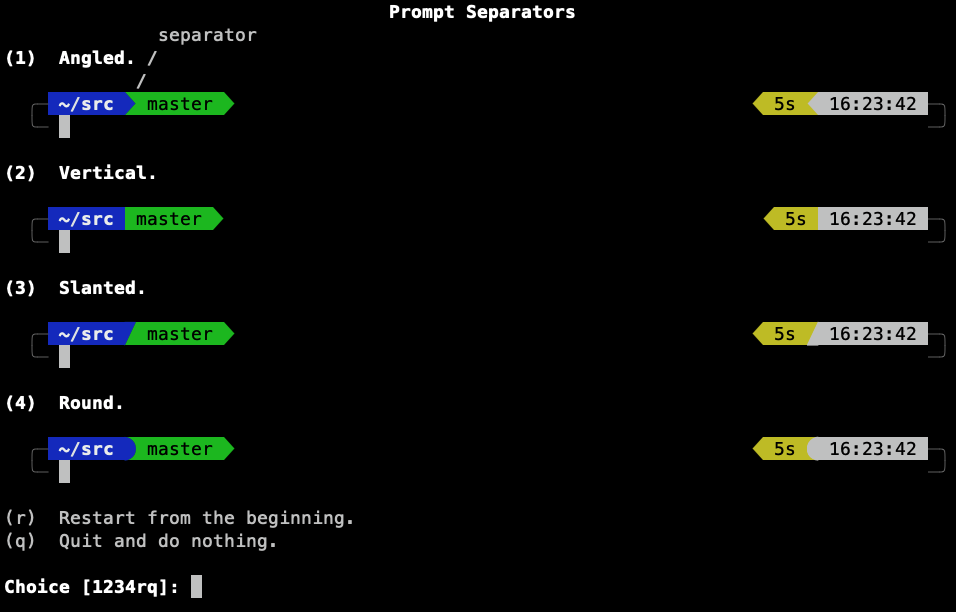
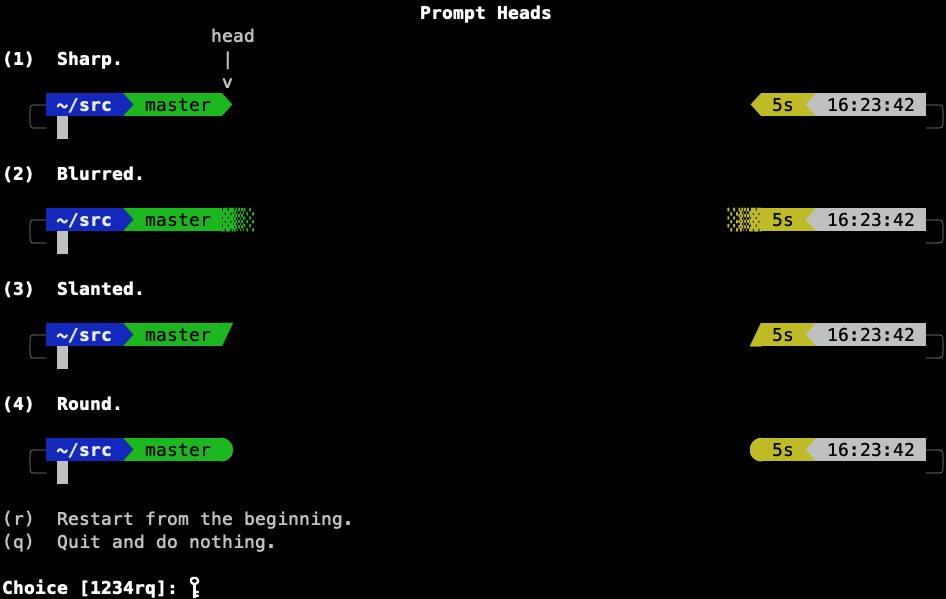

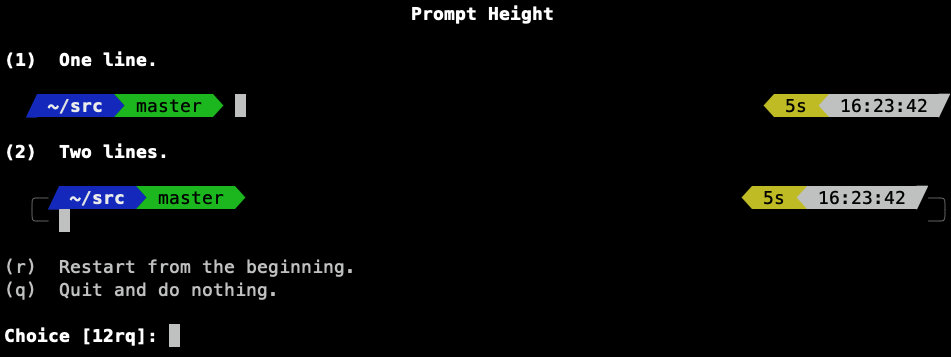

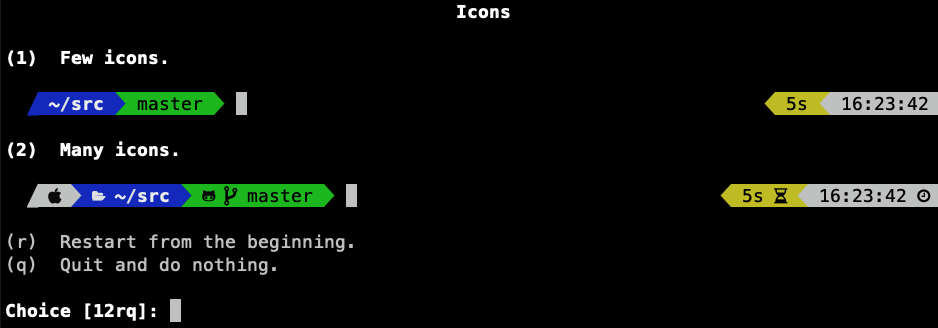


最终效果:

如果想重新配置,执行p10k configure,并在最后一步选择覆盖原有的配置文件。

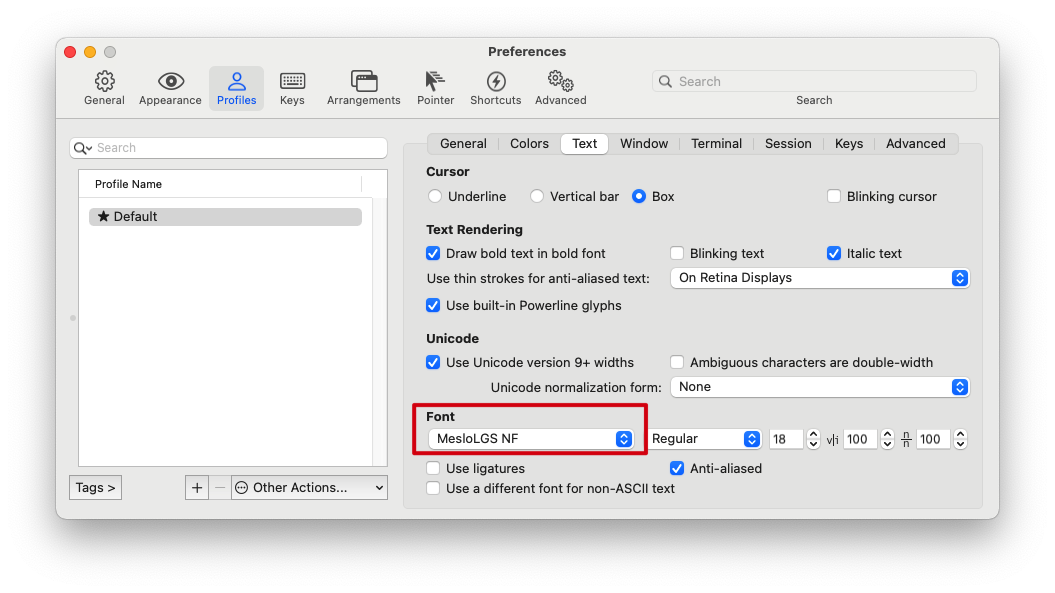
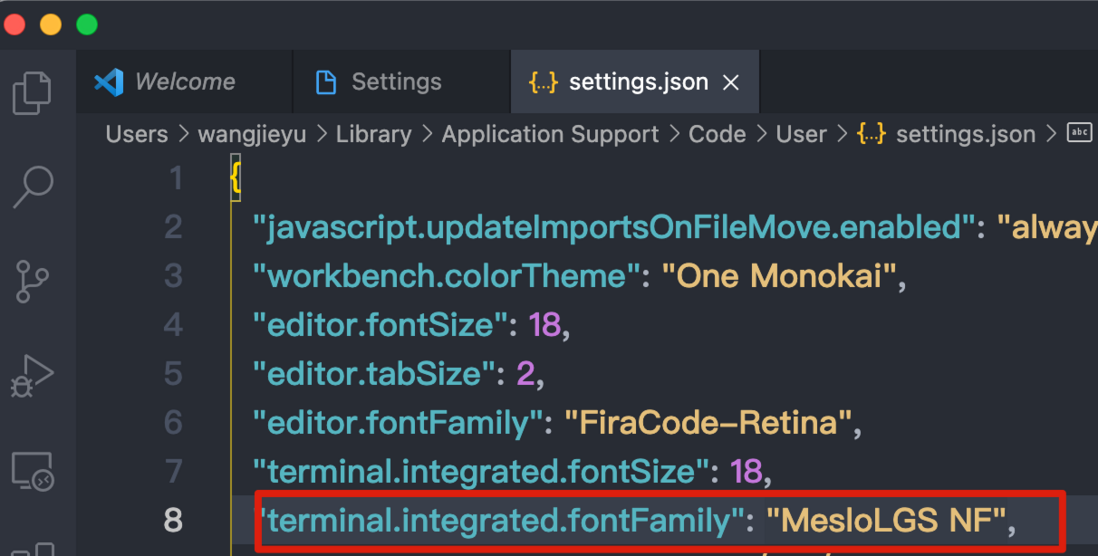
MesloLGS NF字体的正确安装是保证最终效果不乱码的关键。
所以,例如iTerm需设置字体MesloLGD NF
例如,VSCode的terminal也需设置字体MesloLGD NF
参考链接
- https://github.com/powerline/... This repository contains pre-patched and adjusted fonts for usage with the Powerline statusline plugin. iTerm2 users need to set both the Regular font and the Non-ASCII Font in "iTerm > Preferences > Profiles > Text" to use a patched font.
- https://github.com/romkatv/po... Powerlevel10k is a theme for Zsh. It emphasizes speed, flexibility and out-of-the-box experience.
评论
登录后参与技术讨论,分享你的经验与见解。
登录 / 注册暂无评论