IDEA 提示 schannel: next InitializeSecurityContext failed 的解决办法

文章目录
网上很多文章说的是将 Git 的 http.sslBackend 配置修改为 openssl:
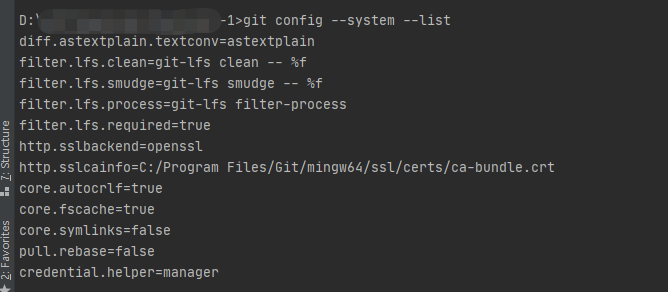
git config --global http.sslBackend openssl其实这个是行不通的,因为 Git 的系统配置中,该值默认就是 openssl。
官方建议的做法是:
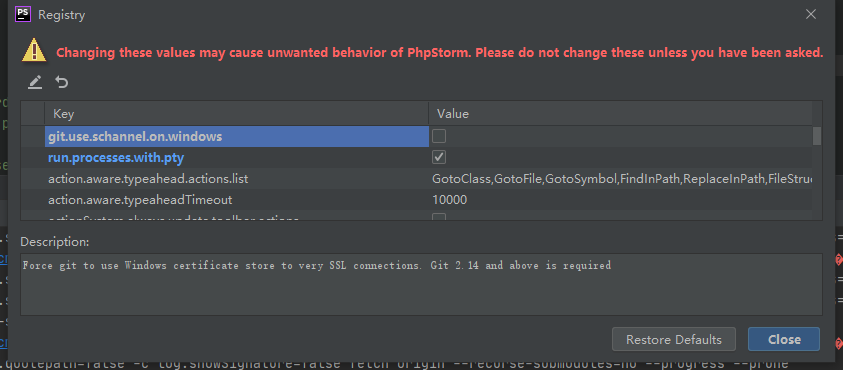
在 IDEA 中,点击 Help -> Find action,输入 Registry,找到 git.use.schannel.on.windows 配置项,取消勾选该项配置即可。
评论
登录后参与技术讨论,分享你的经验与见解。
登录 / 注册暂无评论