Clion远程模式能够upload to remote host却无法build cmake的bug解决方法

文章目录
问题
系统环境
Clion版本 2019.3.2
remote host: Ubuntu 19.10
问题描述
在使用Clion的远程模式(Full Remote Mode)开发调试代码下,Upload to Remote Host成功,但build Cmake的时候失败:
报错提示:
Cannot create directory

[Failed to reload]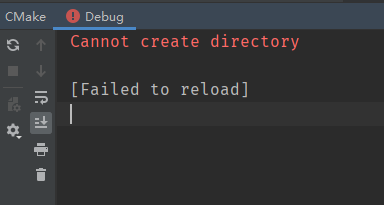
原因
在Jetbrains的Issue Error: Cannot generate into E:workcmake-build-remote-debug. Cannot create directory. Please either delete it manually or select another generation directory. 中Jetbrains的开发者提到这是由于Deployment里的Root Path没有生效。

解决方法
Settings -> Deployment -> 你的Remote Host -> Connection标签 -> Root path: /
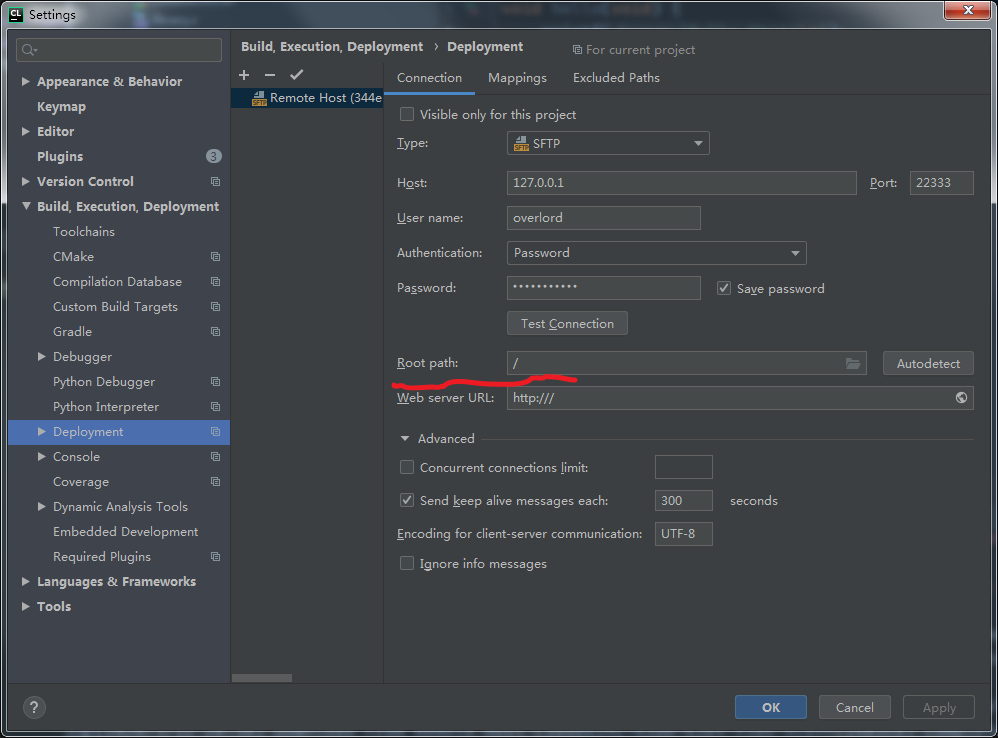
Settings -> Deployment -> 你的Remote Host -> Mappings标签 -> Deployment path: 登陆远程主机当前用户目录下你想放源码的地方

Build and Run :
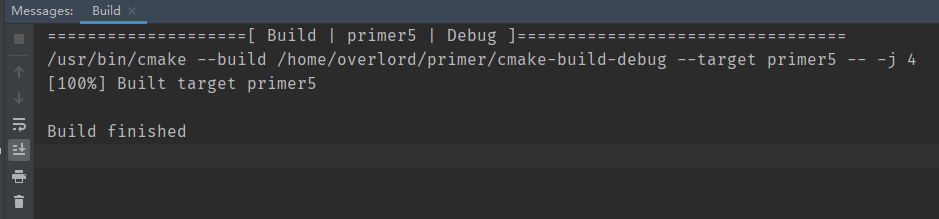
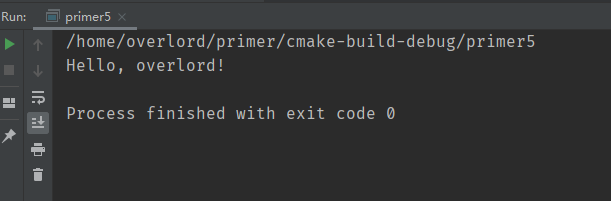
评论
登录后参与技术讨论,分享你的经验与见解。
登录 / 注册暂无评论