element中navMenu菜单高亮(嵌套菜单)

文章目录
想让一级菜单与二级菜单中的相应页面的菜单同时高亮(同时控制2个分离菜单的高亮)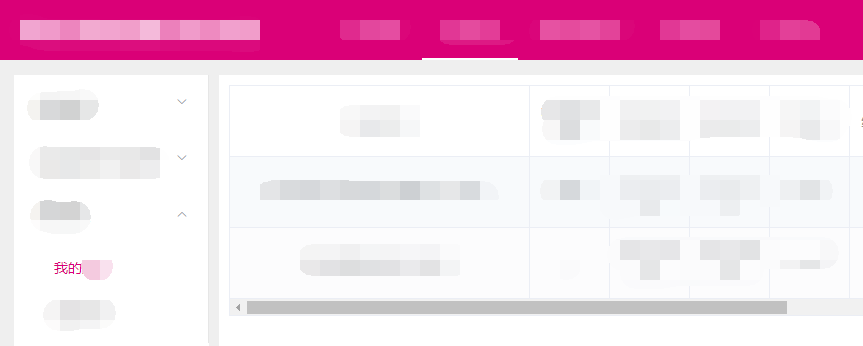
解决办法:需要在每项路由中设置meta属性的不同字段来控制高亮
(刷新仍能高亮时以路由路径匹配式高亮)
一级菜单:
<el-menu
  router
  :default-active="currentRoute"
  mode="horizontal"
  ...
  >
  <el-menu-item index="/report">report</el-menu-item>
</el-menu>

<script>
export default {
  data(){
    return {}
  },
  created(){
    this.currentRoute=this.$route.path;
  },
  mounted(){
    this.$router.push('/report/myReport')
  },
  computed:{
    currentRoute(){
      const route = this.$route
      const { meta, path } = route
      if (meta.mainCurrentRoute) { // 注意这里很重要
        return meta.mainCurrentRoute
      }
      return path
    }
  }
}
</script>
二级菜单:
<el-menu-item index="/report/myReport">myReport</el-menu-item>

<script>
export default {
  data () {
    return {}
  },
  created(){
    this.currentRoute=this.$route.path;
  },
  mounted(){
    this.$router.push('/report/myReport')
  },
  computed:{
    currentRoute(){
      const route = this.$route
      const { meta, path } = route
      if (meta.currentRoute) { // 注意这里很重要
        return meta.currentRoute
      }
      return path
    }
  }
}
</script>
router/index.js
routes: [
  {
    path: '/report',
    name: 'report',
    component: report,
    meta:{
      mainCurrentRoute: '/report'
    },
    children:[{
      path: 'myReport',
      name: 'myReport',
      component: myReport,
      meta:{
        mainCurrentRoute: '/report',        // 一级菜单高亮
        currentRoute: '/report/myReport'    // 二级菜单高亮
      }
    }]
  }
  ...
]原文:https://blog.csdn.net/m0_38134431/article/details/94755527
评论
登录后参与技术讨论,分享你的经验与见解。
登录 / 注册暂无评论