「微信小程序开发 | 6类居中布局」

文章目录
<!-- wxml -->
<view class="father center">
  <view class="children1">块1</view>
  <view class="children2">块2</view>
  <view class="children3">块3</view>
</view>
/* wxss */
.father{
width: 100%;
height: 300rpx;
background-color: #FFFFCC;
}
.children1{
background-color: #99CCCC;
}
.children2{
background-color: #FFCC99;
}
.children3{
background-color: #FFCCCC;
}原始效果: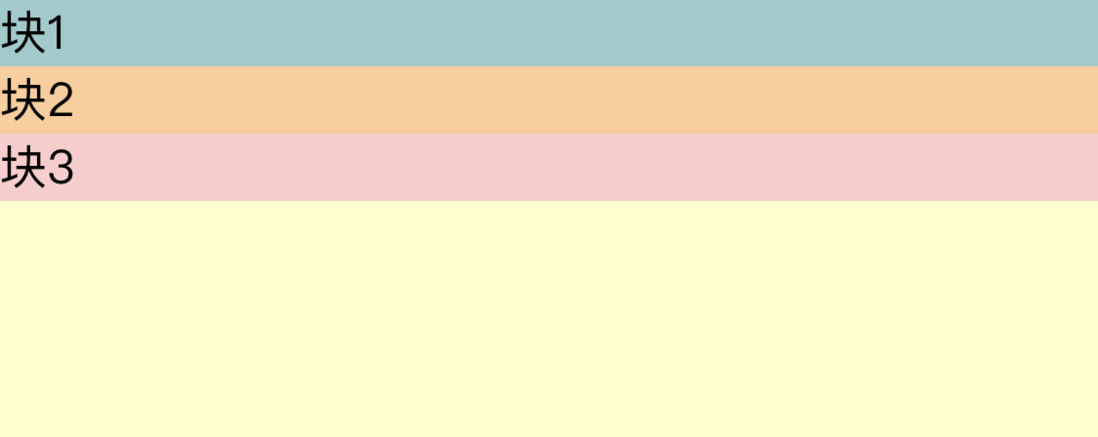
1 水平居中
1.1 水平居中&水平排列
/* wxss */
.center1{
  width: 100%;
  height: 300rpx;
  display: flex;
  justify-content: center;
}
效果: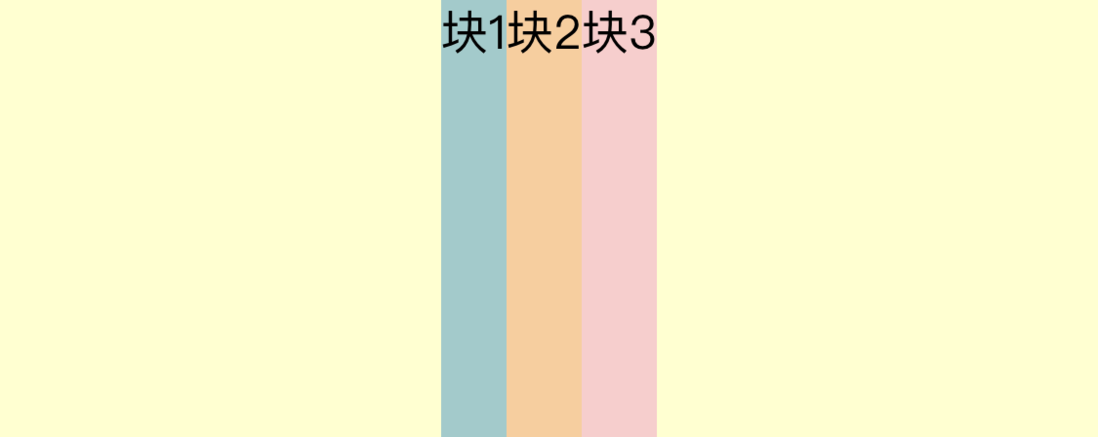
1.2 水平居中&垂直排列
/* wxss */
.center2{
  width: 100%;
  height: 300rpx;
  display: flex;
  flex-direction: column;
  align-items: center;
}
效果:
2 垂直居中
2.1 垂直居中&水平排列
/* wxss */
.center3{
  width: 100%;
  height: 300rpx;
  display: flex;
  align-items: center;
}
效果:
2.2 垂直居中&垂直排列
/* wxss */
.center4{
  width: 100%;
  height: 300rpx;
  display: flex;
  flex-direction:column;
  justify-content: center;
}
效果: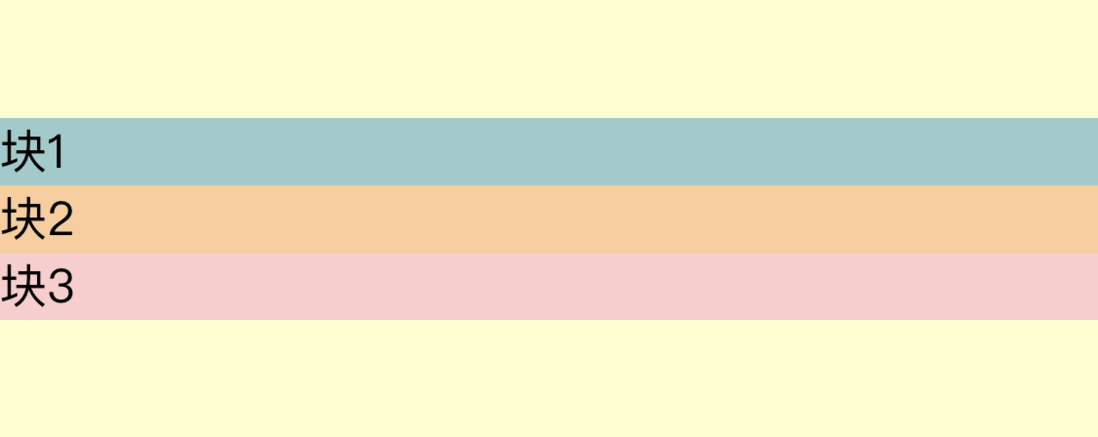
3 中心居中
3.1 中心居中&水平排列
/* wxss */
.center5{
  width: 100%;
  height: 300rpx;
  display: flex;
  align-items: center;
  justify-content: center;
}
效果: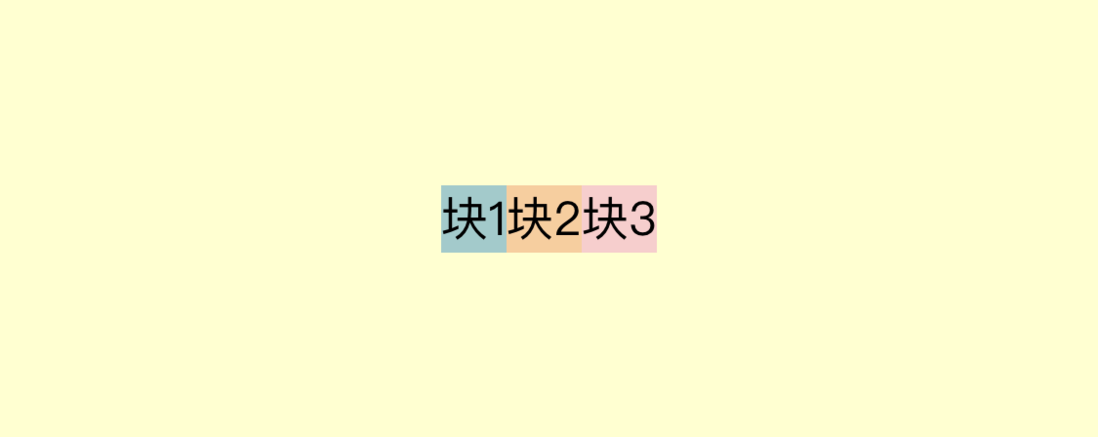
3.2 中心居中&垂直排列
/* wxss */
.center6{
  width: 100%;
  height: 300rpx;
  display: flex;
  flex-direction: column;
  align-items: center;
  justify-content: center;
}
效果:
关于容器的属性,自己去查吧hiahiahia~
评论
登录后参与技术讨论,分享你的经验与见解。
登录 / 注册暂无评论