使用SAP CRM中间件XIF(External Interface)一步步创建服务订单

文章目录
tcode WE19, choose an existing IDOC in the system:

Just change the existing IDOC Service Order ID to a new one.
Old value: 8000000011
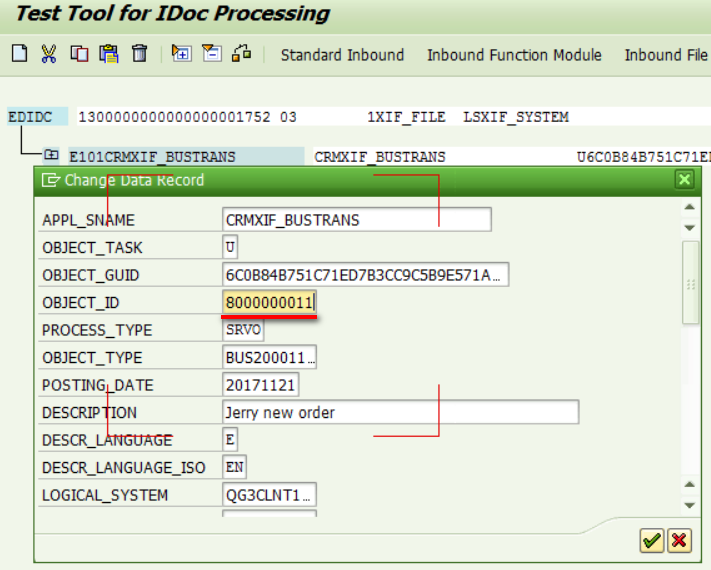
New value: 9000000011
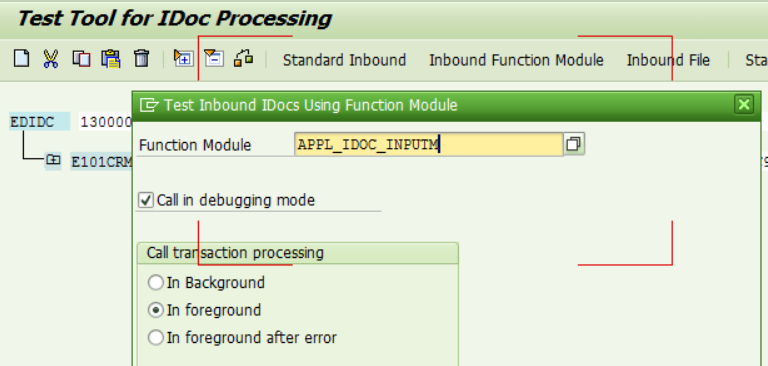
Click button "Inbound Function Module",

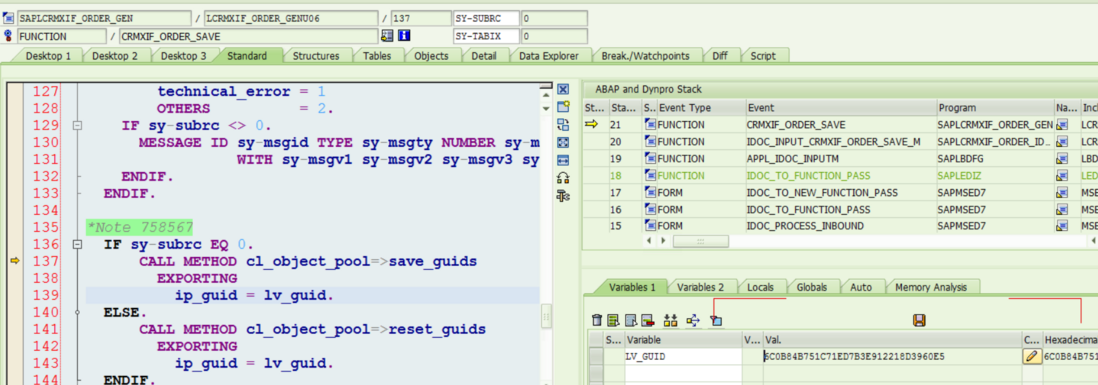
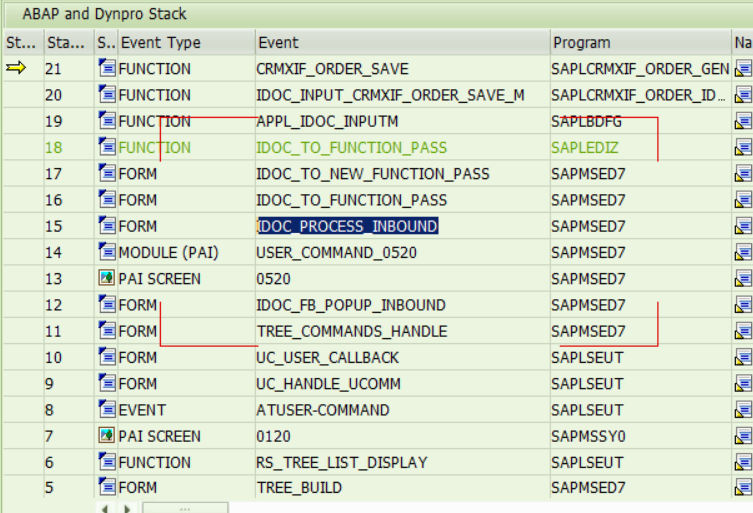
callstack:
Once done, a new IDOC is generated:

The manually specified service Order ID is contained in this new IDOC:

要获取更多Jerry的原创文章,请关注公众号"汪子熙":
评论
登录后参与技术讨论,分享你的经验与见解。
登录 / 注册暂无评论