【学习】apipost预执行脚本中发送一个请求的方法

文章目录
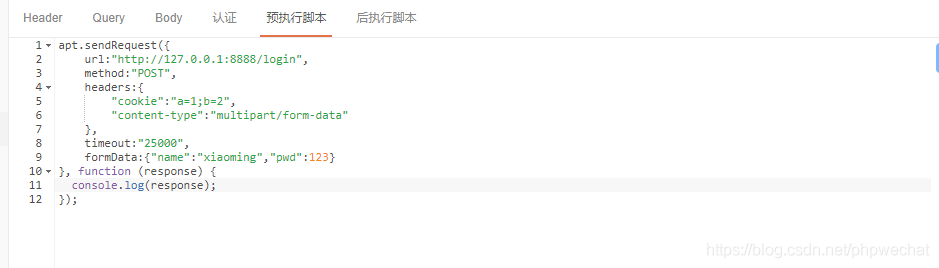
发送from-data格式的请求
apt.sendRequest({
url:“http://127.0.0.1:8888/login”,
method:“POST”,
headers:{
“cookie”:“a=1;b=2”,
“content-type”:“multipart/form-data”
},
timeout:“25000”,
formData:{“name”:“xiaoming”,“pwd”:123}
}, function (response) {
console.log(response);
});
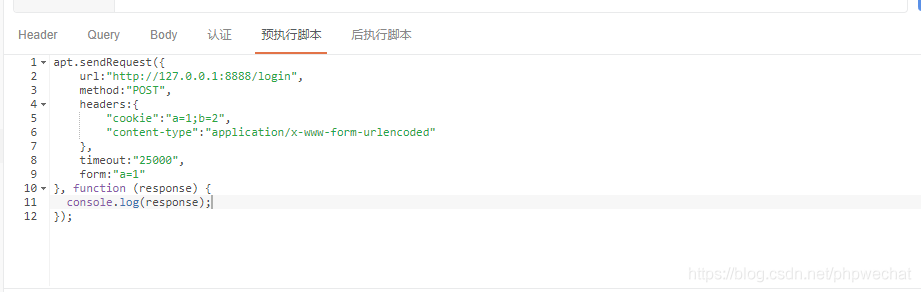
发送application/x-www-form-urlencoded格式的请求
apt.sendRequest({
url:“http://127.0.0.1:8888/login”,
method:“POST”,
headers:{
“cookie”:“a=1;b=2”,
“content-type”:“application/x-www-form-urlencoded”
},
timeout:“25000”,
form:“a=1”
}, function (response) {
console.log(response);
});
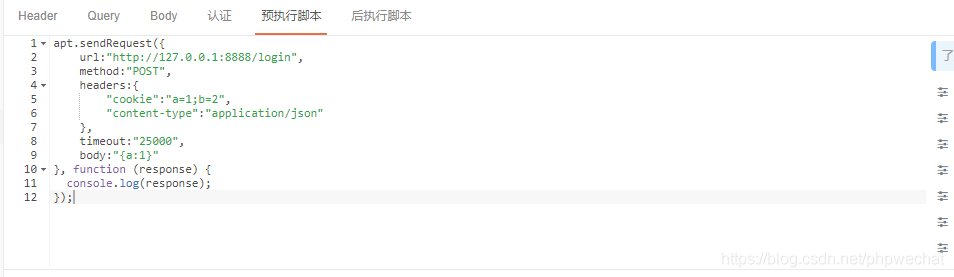
发送application/json格式的请求
apt.sendRequest({
url:“http://127.0.0.1:8888/login”,
method:“POST”,
headers:{
“cookie”:“a=1;b=2”,
“content-type”:“application/json”
},
timeout:“25000”,
body:"{a:1}"
}, function (response) {
console.log(response);
});
评论
登录后参与技术讨论,分享你的经验与见解。
登录 / 注册暂无评论