QT QGraphicsProxyWidget对象可选择或移动的一些tricks

文章目录
我在QT图形视图框架中使用QGraphicsProxyWidget嵌入widget,但是无法使其和其它的QGraphicsItem一样可以选择或移动,使用如下语句无效:
C++ Code
1
2
3
4
5
6
7
8
9
10
11
12
// Create new QGraphicsScene and assign to graphicsView
scene = new QGraphicsScene( this );
ui->graphicsView->setScene(scene);
// Create widget and add to scene
MyWidget *widget = new MyWidget;
QGraphicsProxyWidget *proxy = scene->addWidget(widget);
// Make selectable
proxy->setFlag(QGraphicsItem::ItemIsSelectable, true );
// Make movable
proxy->setFlag(QGraphicsItem::ItemIsMovable, true );
于是,我尝试继承QGraphicsProxyWidget获得自己的ProxyWidget,并通过重写鼠标事件响应函数来实现,在具体的实现中我尝试过调用QGraphicsProxyWidget的鼠标事件函数,也尝试过调用QGraphicsItem的鼠标事件函数,但是仅仅能捕获鼠标按下事件(mousePressEvent),其它诸如移动和释放均无法响应。
紧接着,我去Stack Overflow上查找解决方案,倒是有一些方案,纯属tricks性的现在总结如下:
实例1:给代理widget设置一个比其大一点的父类QGraphicsWidget充当拖拽处理效果
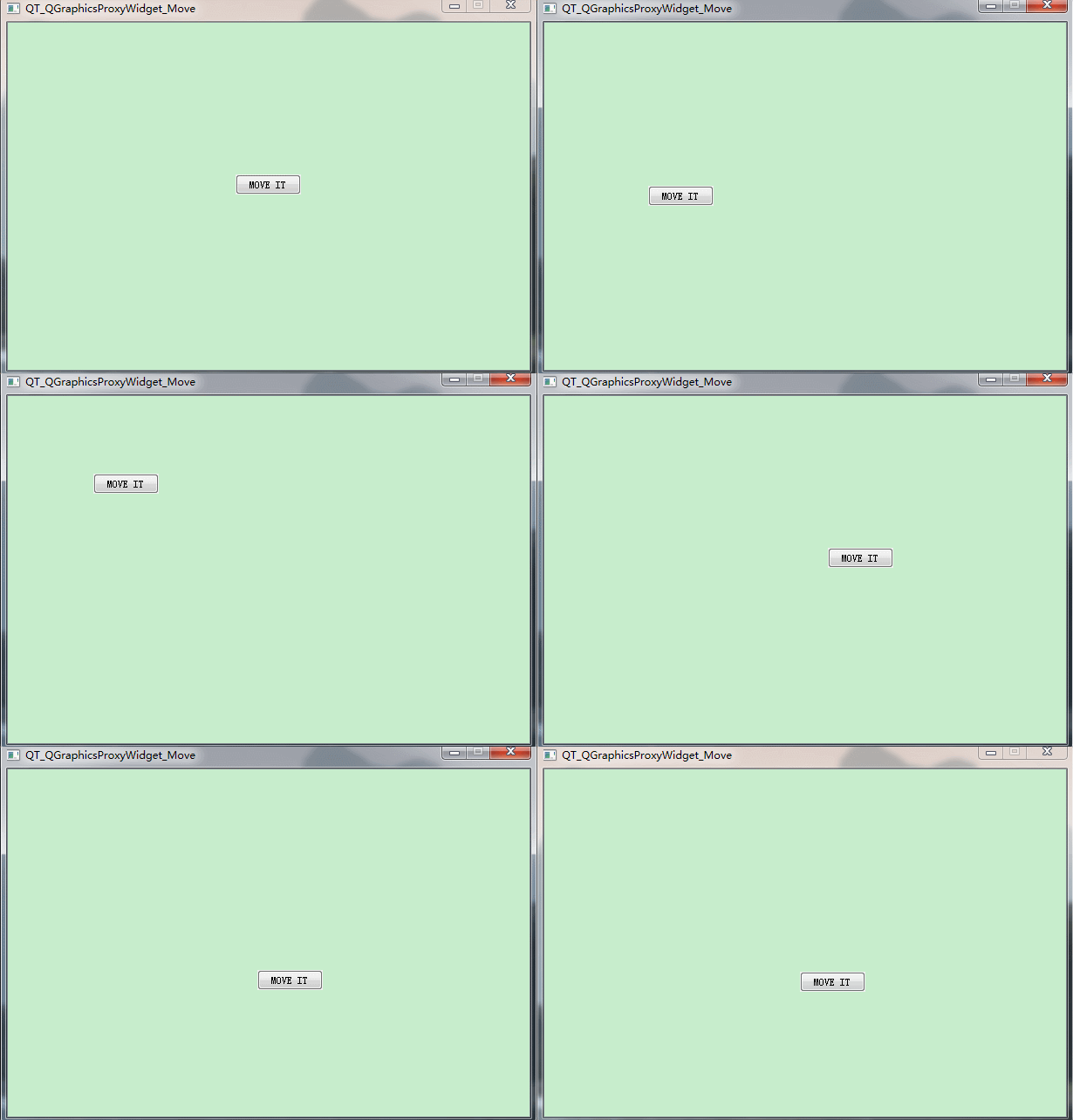
C++ Code
1
2
3
4
5
6
7
8
9
10
11
12
13
14
15
16
17
18
19
20
21
22
23
int main( int argc, char *argv[])
{
QApplication a(argc, argv);
QGraphicsScene scene;
QGraphicsView view(&scene);
QGraphicsProxyWidget *proxy = scene.addWidget( new QPushButton( "MOVE IT" ));
// make parent widget larger that button
QGraphicsWidget* parentWidget = new QGraphicsWidget();
parentWidget->setMinimumSize(QSizeF(proxy->widget()->width(), proxy->widget()->height()));
parentWidget->setFlags(QGraphicsItem::ItemIsMovable);
//默认灰色,不设置则为背景色
//parentWidget->setAutoFillBackground(true);
scene.addItem(parentWidget); // put your wrapped button onto the parent graphics widget
proxy->setParentItem(parentWidget);
view.setFixedSize(QSize( 600 , 400 ));
view.show();
return a.exec();
}
实例2:给代理widget设置一个比其大一点的QGraphicsRectItem充当窗口标题栏样式的拖拽处理效果
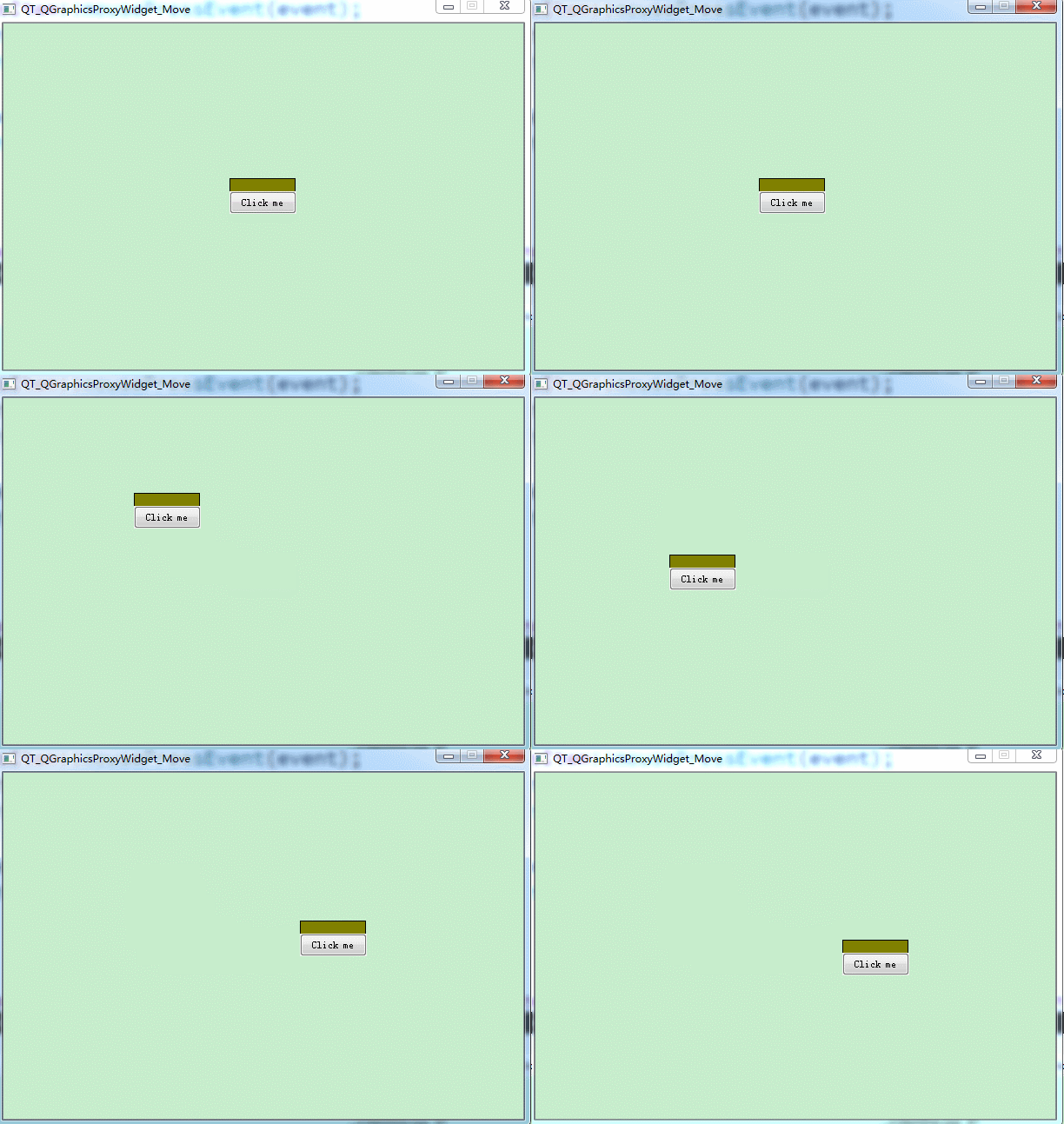
C++ Code
1
2
3
4
5
6
7
8
9
10
11
12
13
14
15
16
17
18
19
20
21
22
int main( int argc, char *argv[])
{
QApplication a(argc, argv);
QGraphicsScene scene;
QGraphicsView view(&scene);
auto *item = new QGraphicsRectItem( 0 , 0 , 75 , 40 );
auto *proxy = new QGraphicsProxyWidget(item);
auto *btn = new QPushButton(QObject::tr( "Click me" ));
btn->setGeometry( 0 , 0 , 77 , 26 );
item->setFlag(QGraphicsItem::ItemIsMovable);
item->setBrush(Qt::darkYellow);
proxy->setWidget(btn);
proxy->setPos( 0 , 15 );
scene.addItem(item);
view.setFixedSize(QSize( 600 , 400 ));
view.show();
return a.exec();
}
实例3:给代理widget设置一个比其大一点的QGraphicsRectItem充当边缘的拖拽处理效果
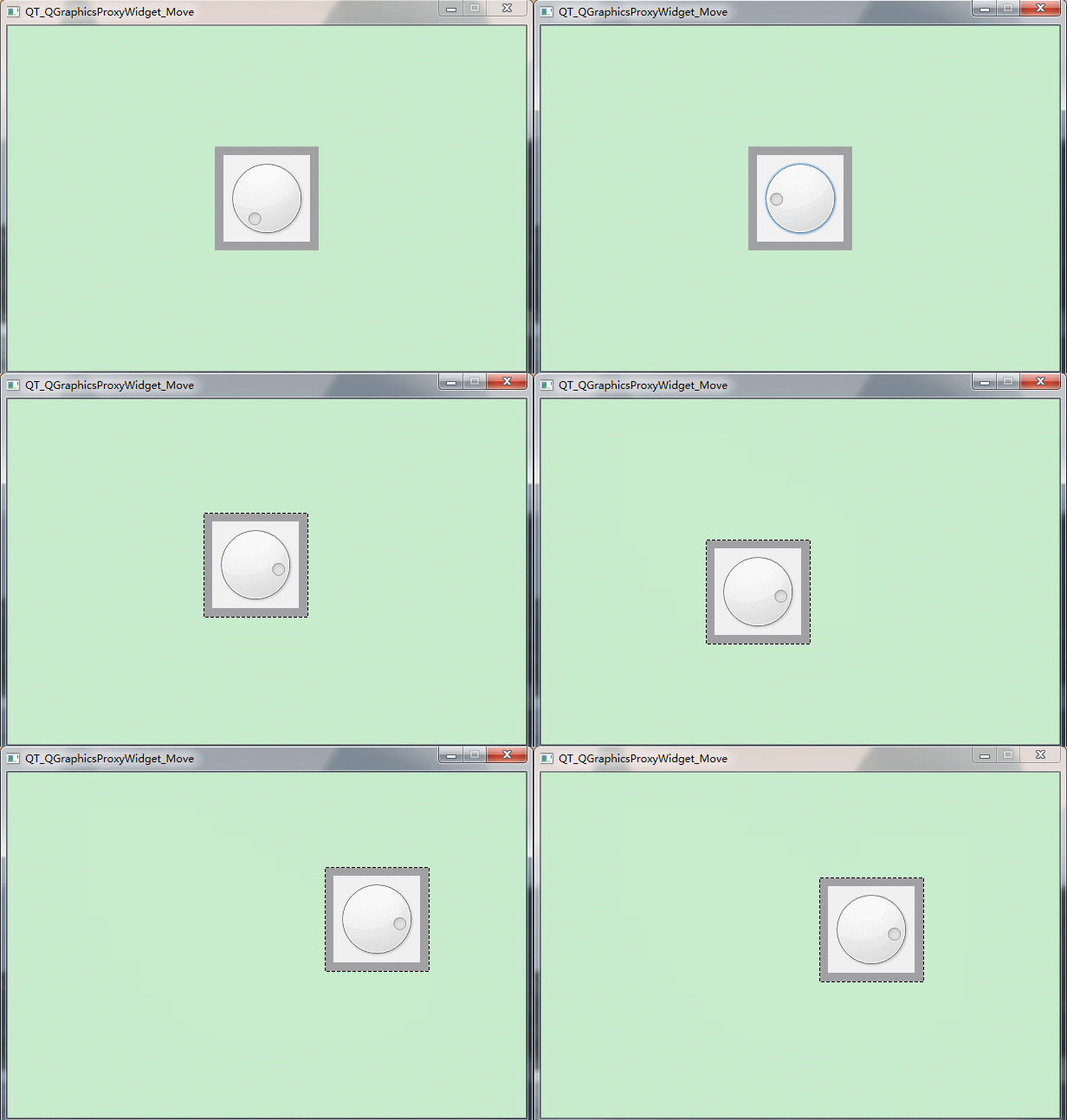
C++ Code
1
2
3
4
5
6
7
8
9
10
11
12
13
14
15
16
17
18
19
20
21
22
23
24
25
int main( int argc, char *argv[])
{
QApplication a(argc, argv);
QGraphicsScene scene;
QGraphicsView view(&scene);
auto *dial= new QDial(); // The widget
auto *handle = new QGraphicsRectItem(QRect( 0 , 0 , 120 , 120 )); // Created to move and select on scene
auto *proxy2 = new QGraphicsProxyWidget(handle); // Adding the widget through the proxy
dial->setGeometry( 0 , 0 , 100 , 100 );
dial->move( 10 , 10 );
proxy2->setWidget(dial);
handle->setPen(QPen(Qt::transparent));
handle->setBrush(Qt::gray);
//handle->setFlags(QGraphicsItem::ItemIsMovable | QGraphicsItem::ItemIsSelectable);
scene.addItem(handle); // adding to scene
view.setFixedSize(QSize( 600 , 400 ));
view.show();
return a.exec();
}
勉勉强强可以实现拖拽的效果吧!
更直接的效果请期待后续博文深入研究!
评论
登录后参与技术讨论,分享你的经验与见解。
登录 / 注册暂无评论