threejs初识 | 大帅老猿threejs特训

文章目录
threejs初识 | 大帅老猿threejs特训
准备工作
要安装three 的 npm 模块,请在你的项目文件夹里打开终端窗口,并运行:
npm install three引入头文件
import * as THREE from 'three';
//相机轨道控制器
import {OrbitControls} from "three/examples/jsm/controls/OrbitControls";
//gltf资源加载器
import {GLTFLoader} from "three/examples/jsm/loaders/GLTFLoader";
//纹理贴图加载器
import { RGBELoader } from 'three/examples/jsm/loaders/RGBELoader';
应用
- 创建场景
const scene = new THREE.Scene();
const camera = new THREE.PerspectiveCamera(75, window.innerWidth / window.innerHeight, 0.01, 10);
camera.position.set(0.3, 0.3, 0.5);
//渲染器
const renderer = new THREE.WebGLRenderer({ antialias: true });
renderer.setSize(window.innerWidth, window.innerHeight);
document.body.appendChild(renderer.domElement);

const controls = new OrbitControls(camera, renderer.domElement);

//添加灯光
const directionLight = new THREE.DirectionalLight(0xffffff, 0.4);
scene.add(directionLight);- 加载资源
let donuts;
new GLTFLoader().load('../resources/models/donuts.glb', (gltf) => {
    scene.add(gltf.scene);
    donuts = gltf.scene;

    mixer = new THREE.AnimationMixer(gltf.scene);
    const clips = gltf.animations; // 播放所有动画
    clips.forEach(function (clip) {
        const action = mixer.clipAction(clip);
        action.loop = THREE.LoopOnce;
        // 停在最后一帧
        action.clampWhenFinished = true;
        action.play();
    });

})- 加载场景贴图
new RGBELoader()
    .load('../resources/sky.hdr', function (texture) {
        scene.background = texture;
        texture.mapping = THREE.EquirectangularReflectionMapping;
        scene.environment = texture;
        renderer.outputEncoding = THREE.sRGBEncoding;
        renderer.render(scene, camera);
});- 动画方法实现
function animate() {
    requestAnimationFrame(animate);
    renderer.render(scene, camera);
    controls.update();

    if (donuts){
        donuts.rotation.y += 0.01;
    }
    if (mixer) {
        mixer.update(0.02);
    }
}

animate();
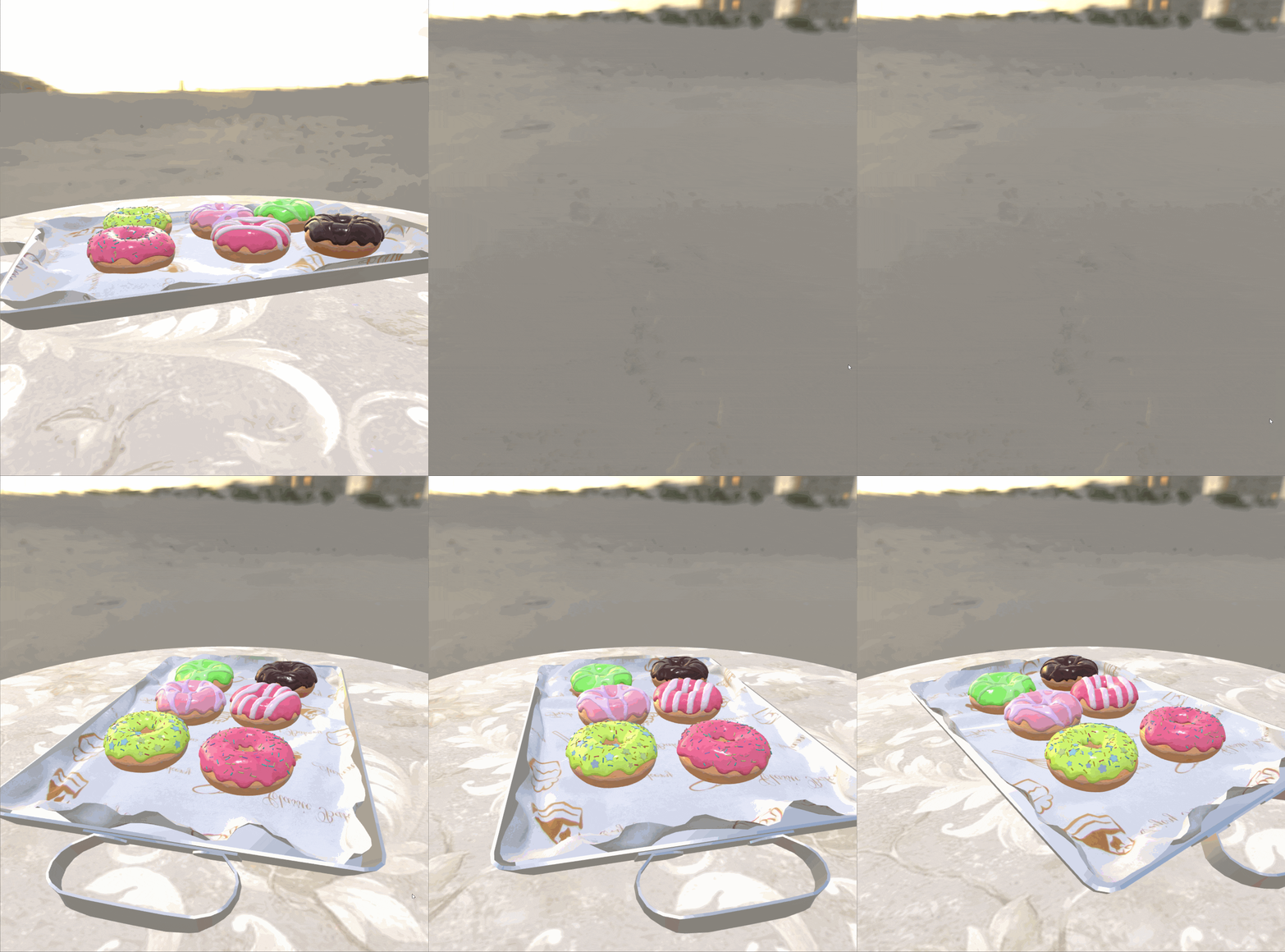
效果截图
结语
多学习,多动手。
评论
登录后参与技术讨论,分享你的经验与见解。
登录 / 注册暂无评论