Proxmox安装与测试

文章目录
安利
Proxmox是一个小众的虚拟化产品,它简单易安装,对新手非常友好。
安装Proxmox
- 1.从官网下载镜像并刻录use系统盘
- 2.插入USE,BIOS选择USB启动
进入安装界面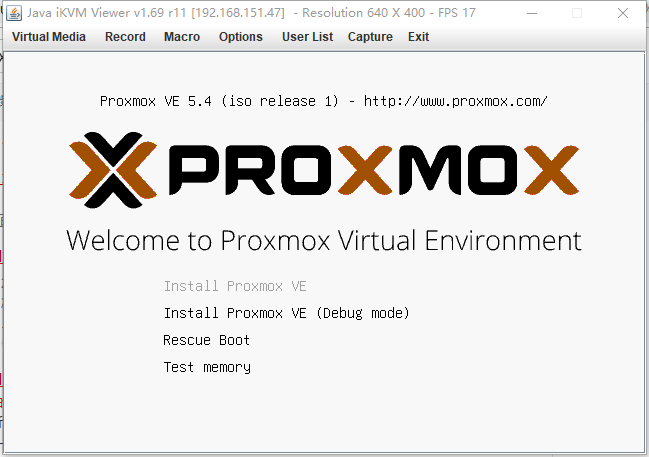
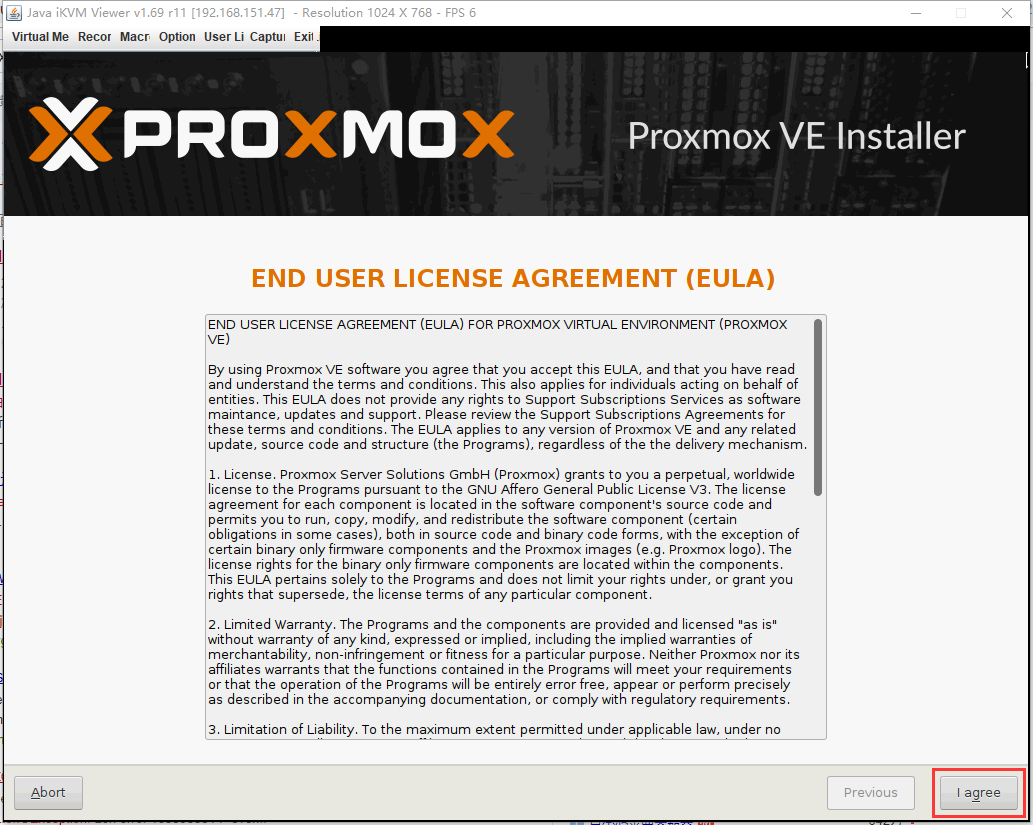
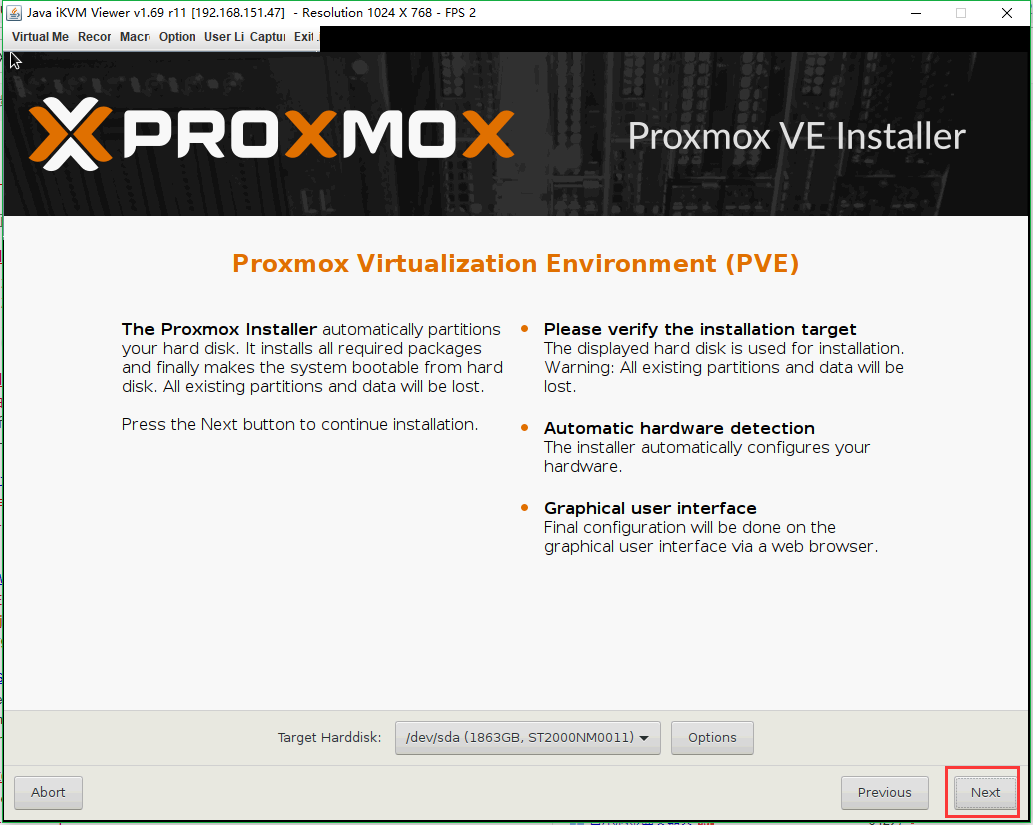
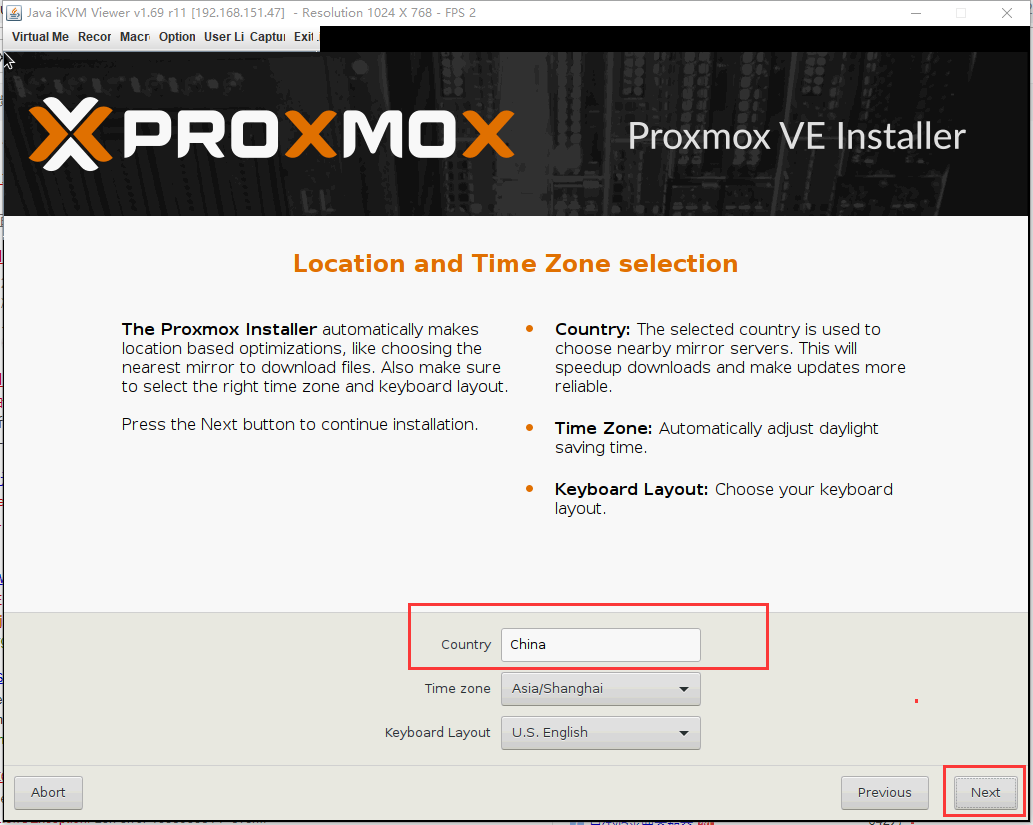
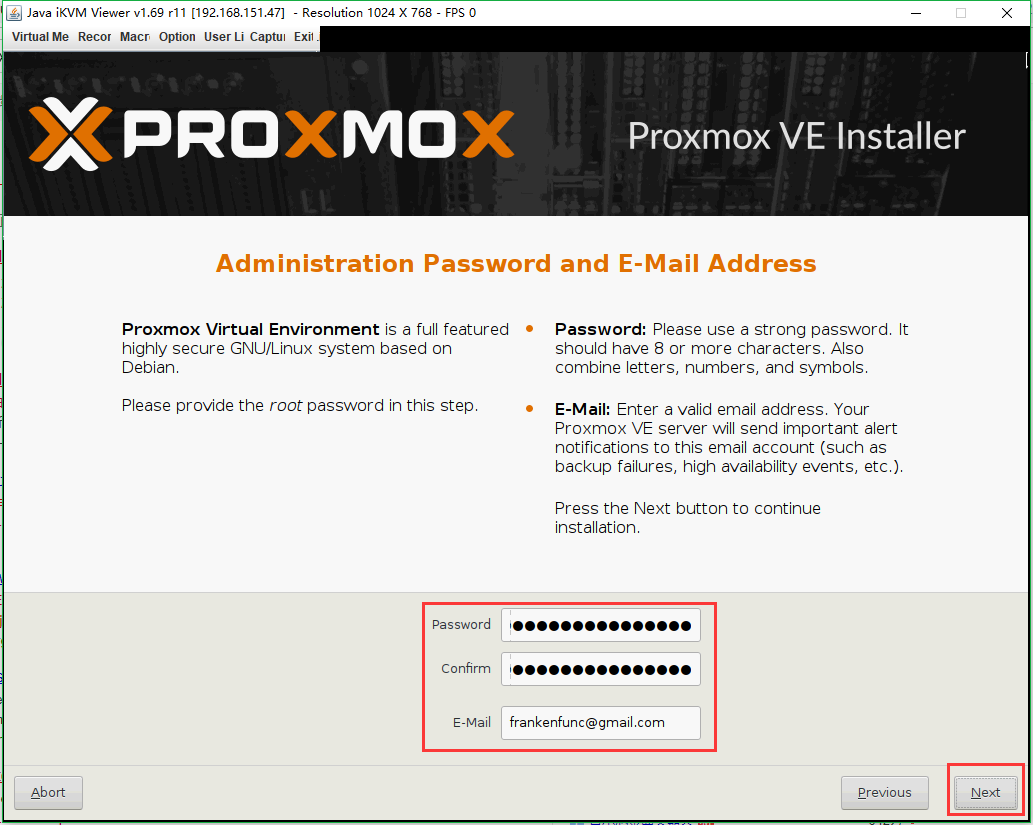

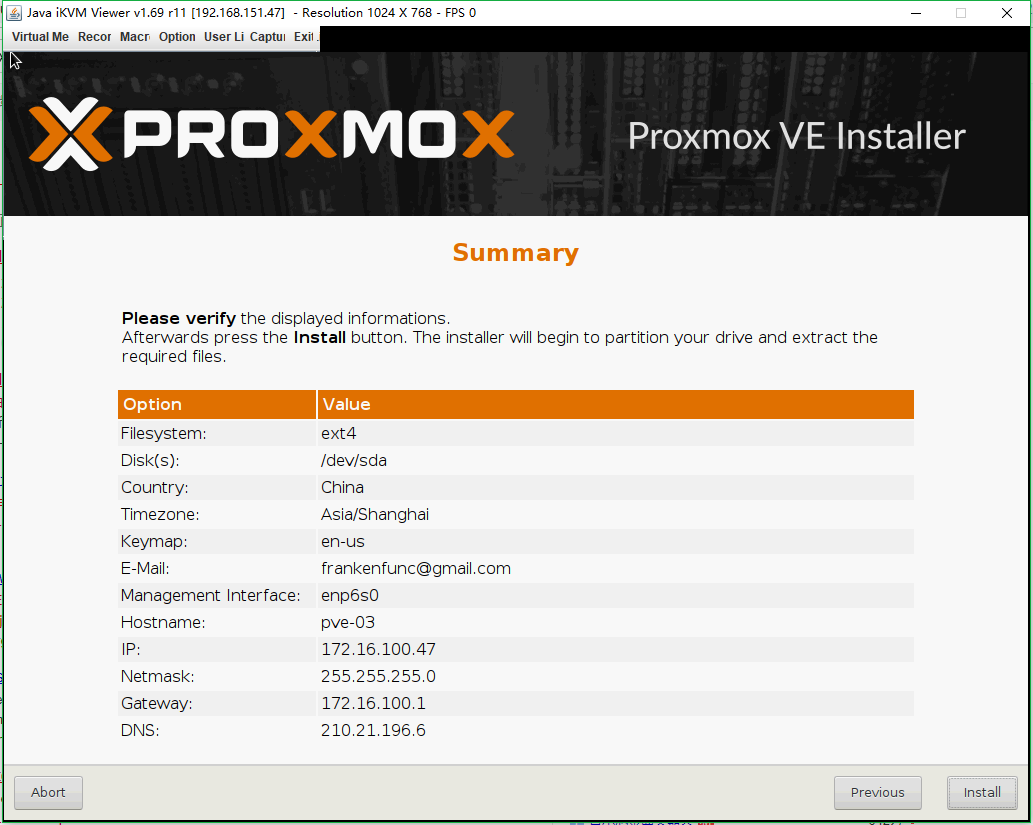

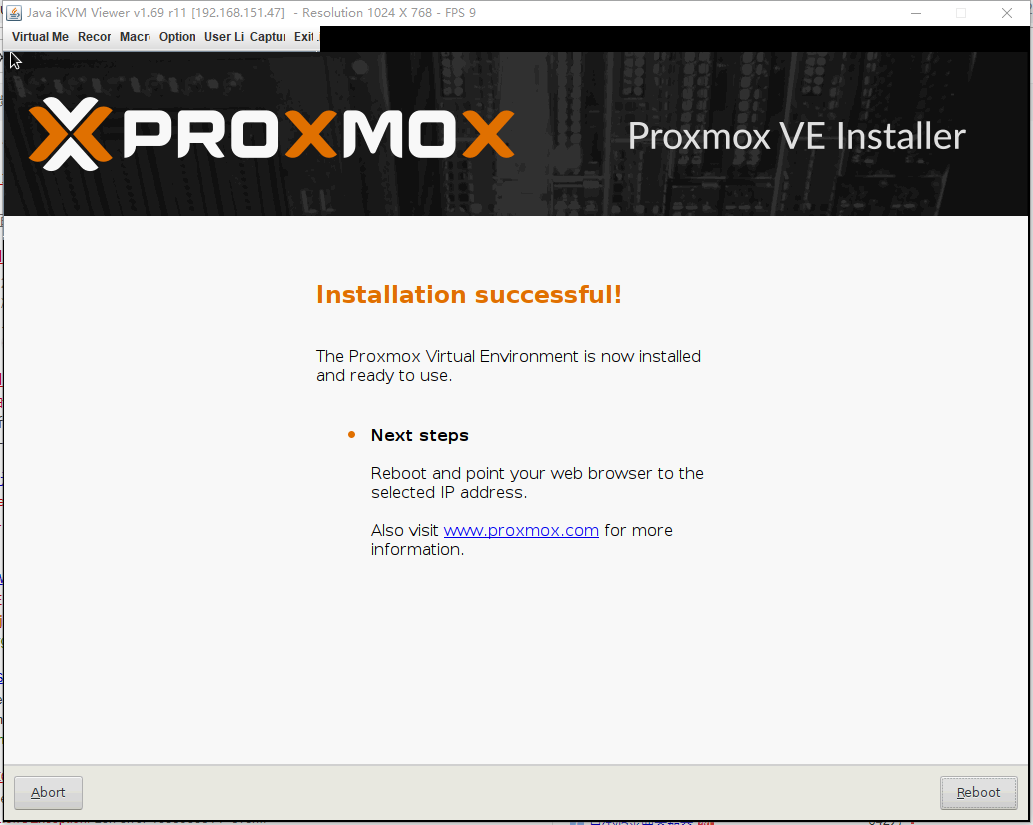
# apt-get update创建集群
在所有设备安装proxmox系统后
选择主节点:
# pvecm create sibat
Corosync Cluster Engine Authentication key generator.
Gathering 1024 bits for key from /dev/urandom.
Writing corosync key to /etc/corosync/authkey.
Writing corosync config to /etc/pve/corosync.conf
Restart corosync and cluster filesystem

nodes:

pvecm add 172.16.100.51
Please enter superuser (root) password for '172.16.100.51':
                                                         Password for root@172.16.100.51: \*\*\*\*\*\*\*\*\*\*\*
Establishing API connection with host '172.16.100.51'
The authenticity of host '172.16.100.51' can't be established.
X509 SHA256 key fingerprint is 4D:2A:00:C6:7E:37:60:94:B2:E2:57:D4:33:7A:93:52:BA:B0:50:7F:1D:F5:3F:1C:EE:FB:BE:B7:6E:DE:E1:93.
Are you sure you want to continue connecting (yes/no)? yes
Login succeeded.
Request addition of this node
Join request OK, finishing setup locally
stopping pve-cluster service
backup old database to '/var/lib/pve-cluster/backup/config-1558580442.sql.gz'
waiting for quorum...OK
(re)generate node files
generate new node certificate
merge authorized SSH keys and known hosts
generated new node certificate, restart pveproxy and pvedaemon services
successfully added node 'pve-02' to cluster.
查看主节点集群信息:
# pvecm status
Quorum information
------------------
Date:             Thu May 23 11:01:04 2019
Quorum provider:  corosync\_votequorum
Nodes:            2
Node ID:          0x00000001
Ring ID:          1/8
Quorate:          Yes

Votequorum information
----------------------
Expected votes:   2
Highest expected: 2
Total votes:      2
Quorum:           2
Flags:            Quorate

Membership information
----------------------
    Nodeid      Votes Name
0x00000001          1 172.16.100.51 (local)
0x00000002          1 172.16.100.53
上传镜像
每台服务器都需要单独上传ISO
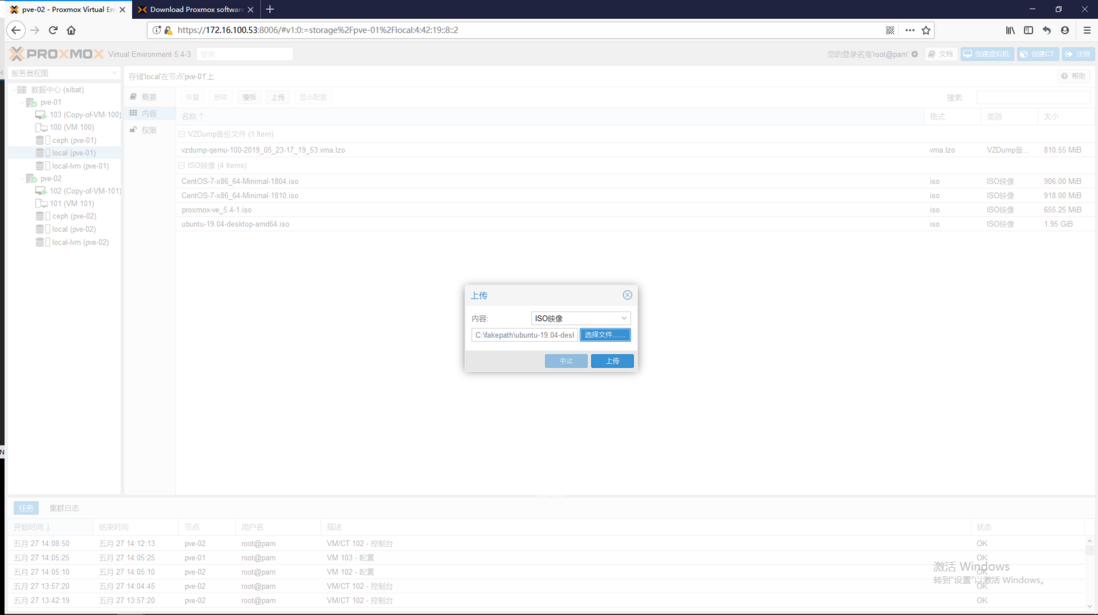
集成Ceph
所有节点
# pveceph install --version luminous
# pveceph init --network 172.16.100.0/24
MON节点
# pveceph createmonMGR节点
# pveceph createmgr 所有节点创建osd
# pveceph createosd /dev/sdb
# pveceph createosd /dev/sdc
# pveceph createosd /dev/sdd
需要重启机器
计算pg数
创建pool
# ceph osd pool create volumes 200
评论
登录后参与技术讨论,分享你的经验与见解。
登录 / 注册暂无评论