SAP Enterprise Commerce调试环境搭建

文章目录
This blog is written to demonstrate how to setup debug environment for Hybris ECP(Enterprise Commerce Platform).
(1) start Hybris server via debug option

(2) import folder <hybris installation folder>hybrisbin into Eclipse.
Right click on the extension you want to debug. In my example it is yacceleratorstorefront.

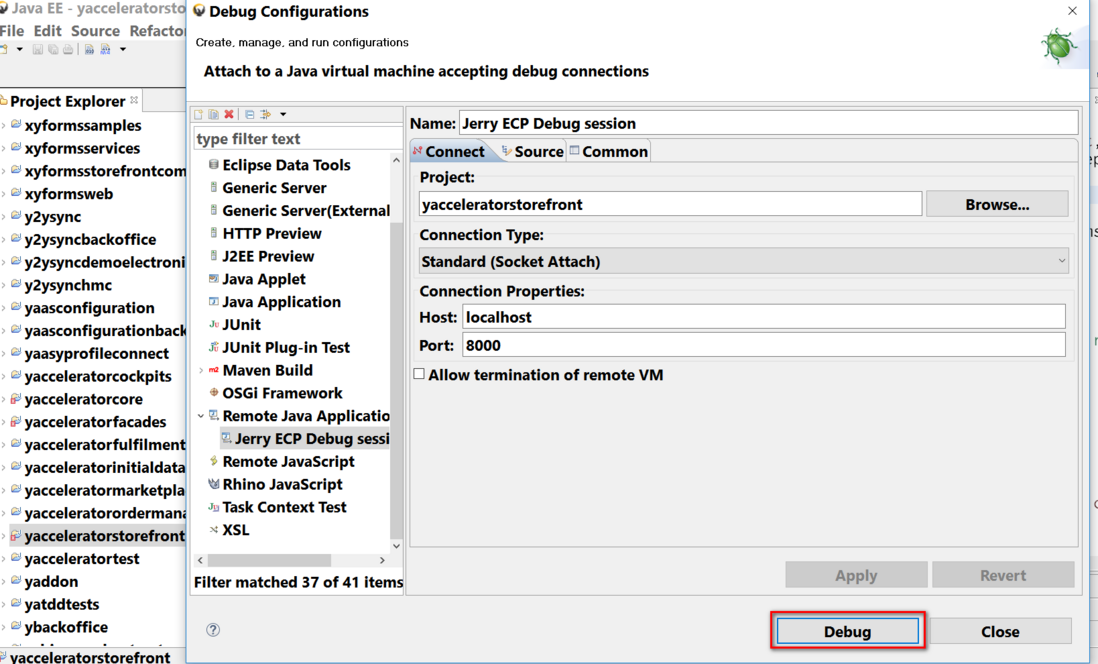
Choose Debug Configuration from context menu. Use Remote Java Application for debug configuration and connect to port 8000.
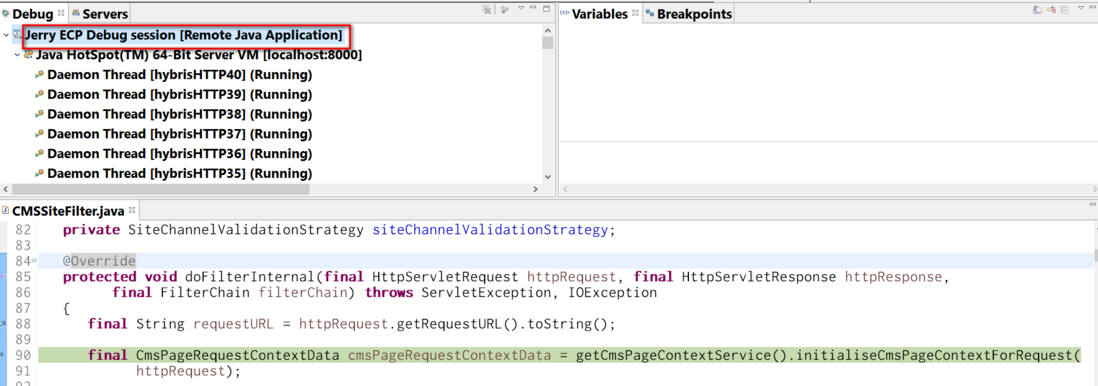
(3) Set breakpoint in file binext-templateyacceleratorstorefrontwebsrcdehybrisplatformyacceleratorstorefrontfilterscmsCMSSiteFilter.java.
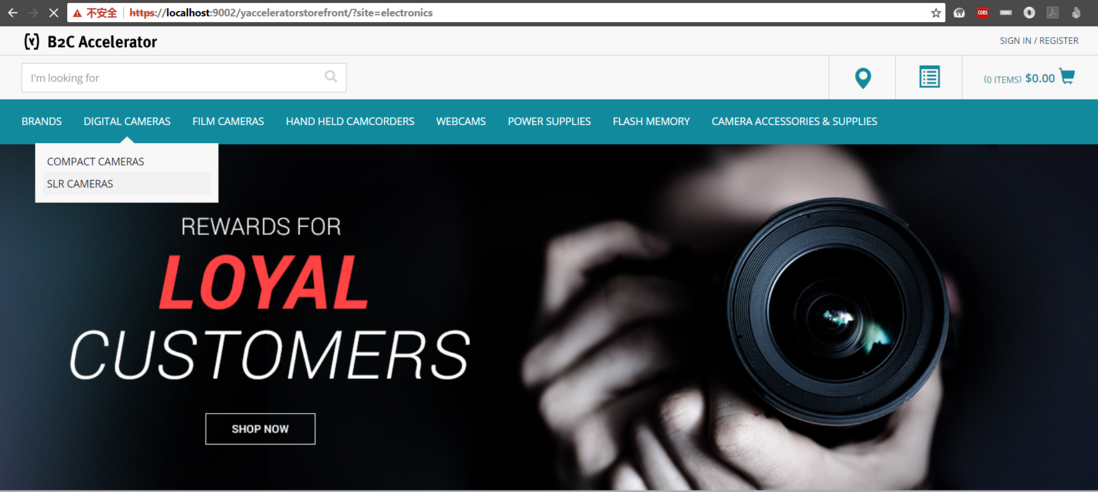
And access the storefront url below and try to open a catalog:
Then breakpoint is triggered:
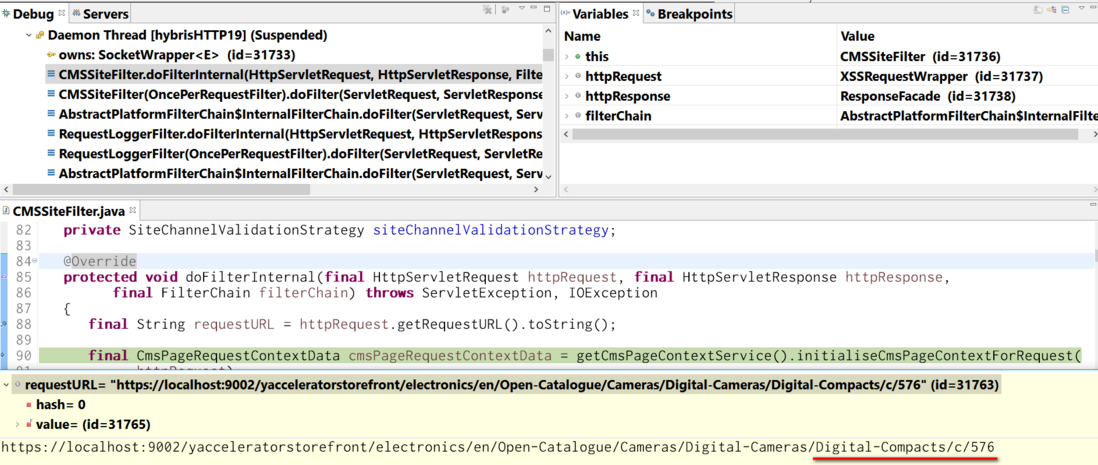
After you press continue in debugger, you could observe the detail page with url inspected in debugger as expected.
要获取更多Jerry的原创文章,请关注公众号"汪子熙":
评论
登录后参与技术讨论,分享你的经验与见解。
登录 / 注册暂无评论