vscode如何在文件目录上,快速定位到node_modules的包位置?

文章目录
修改vscode配置
在vscode的settings中找到Auto Reveal Exclude,如果发现条目中有node_modules,将其删掉。
选中目标包名
在包名上右键,选择Go to Definition。
完成
我们就会进到包内部,并且vscode左侧的目录也会自动定位并展开。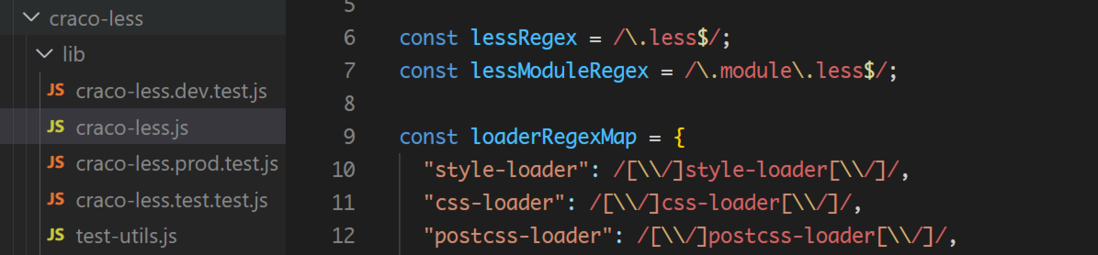
在vscode的settings中找到Auto Reveal Exclude,如果发现条目中有node_modules,将其删掉。
在包名上右键,选择Go to Definition。
我们就会进到包内部,并且vscode左侧的目录也会自动定位并展开。
评论
登录后参与技术讨论,分享你的经验与见解。
登录 / 注册暂无评论