win10配置wampServer局域网访问站点

文章目录
本机地址:192.168.1.151
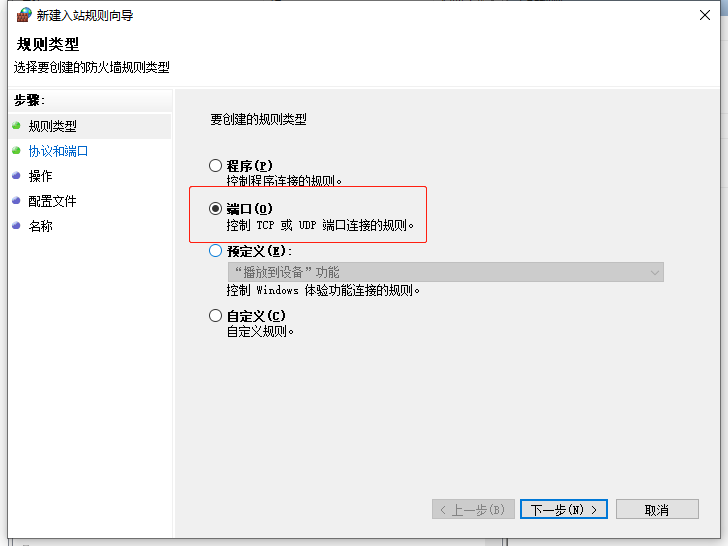
假设使用8080端口
网站访问地址为:http://192.168.1.151:8080
wampServer配置
apache的httpd.conf中添加
Listen 0.0.0.0:8080
Listen [::0]:8080httpd-vhosts.confRequire local 改为 Require all granted
<VirtualHost *:8080>
    ServerName frog.io
    DocumentRoot "g:/frog/public"
    <Directory  "g:/frog/public/">
        Options +Indexes +Includes +FollowSymLinks +MultiViews
        AllowOverride All
        Require all granted
    </Directory>
</VirtualHost>
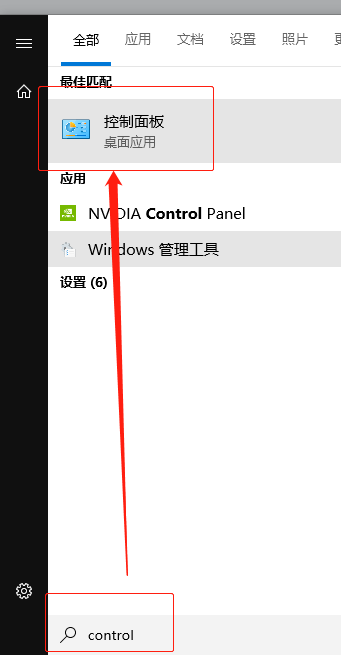
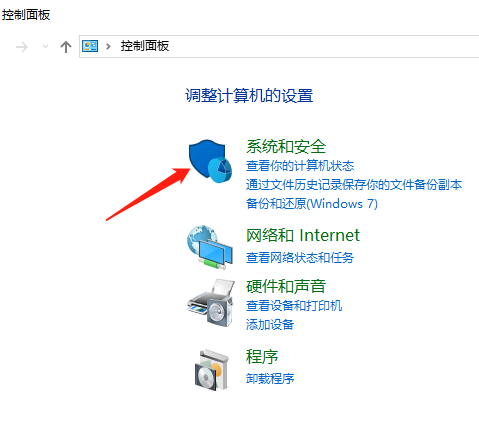
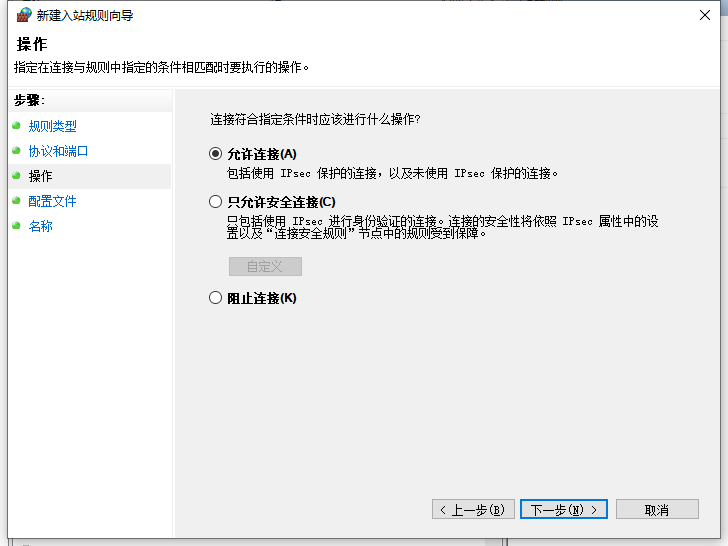
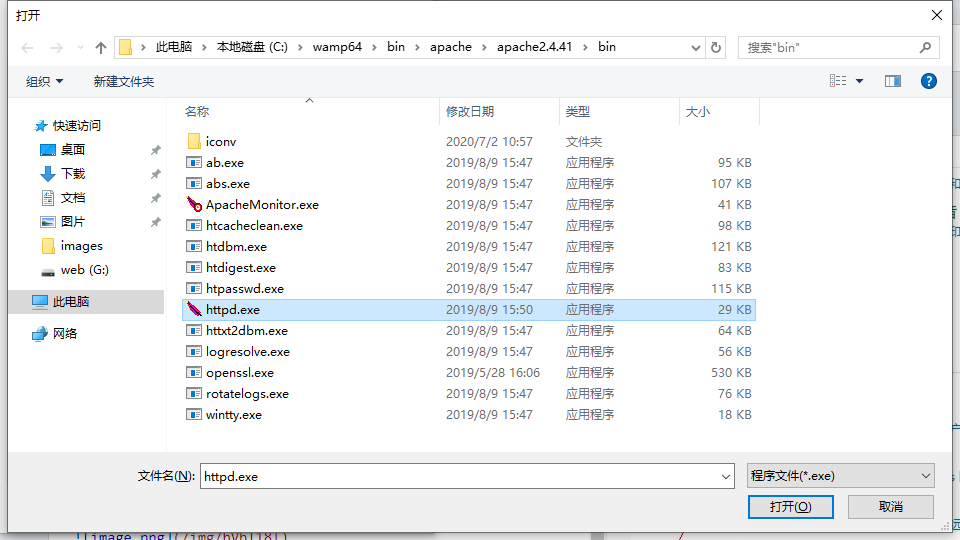
win10防火墙设置





完成!
评论
登录后参与技术讨论,分享你的经验与见解。
登录 / 注册暂无评论