解决——jupyter安装之后无法运行,代码不能高亮,显示无法链接服务器

文章目录
问题描述:
在安装jupyter的时候给我蹦出来这个错:
ERROR: notebook 6.0.2 has requirement jupyter-client>=5.3.4, but you'll have jupyter-client 5.2.4 which is incompatible.
当时也没注意:
直接pip install jupyter就完事了
后来在命令行输入jupyter notebook可以正常打开,但是代码没有高亮,程序不能运行,最重要的是,右上角显示无法链接服务器
将鼠标移到这个位置(如果正常运行他是个圆圈):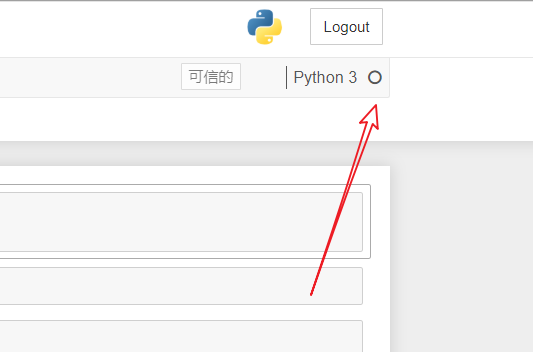
解决办法:
根据他的提示:
pip install jupyter-client==5.3.4, 重启jupyter notebook即可
评论
登录后参与技术讨论,分享你的经验与见解。
登录 / 注册暂无评论