几个不错的 Jupyter Notebook 云端展示平台

文章目录
jupyter nbviewer
URL:https://nbviewer.jupyter.org/
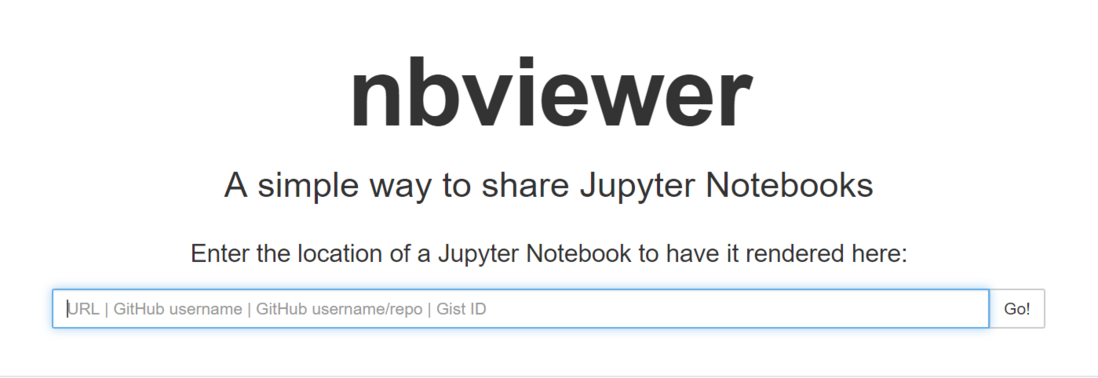
结合Github的示例用法:https://nbviewer.jupyter.org/github/ + <用户名或者用户名/存放ipynb文件的仓库或者Gist ID>
例如:https://nbviewer.jupyter.org/github/yeshan333/JupyterNotebook...
<!-- more -->
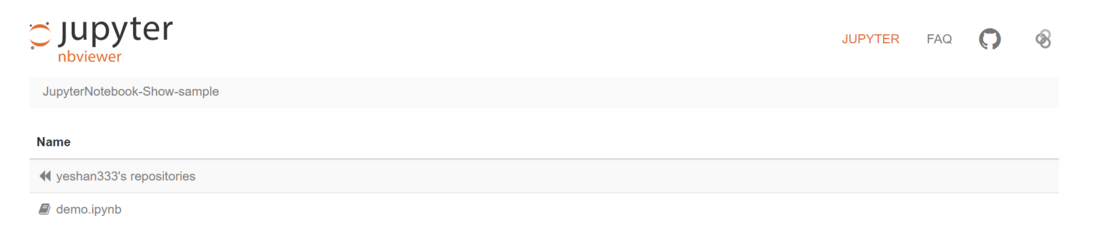

还行~~~
binder
使用文档:https://mybinder.readthedocs.io/en/latest/index.html#
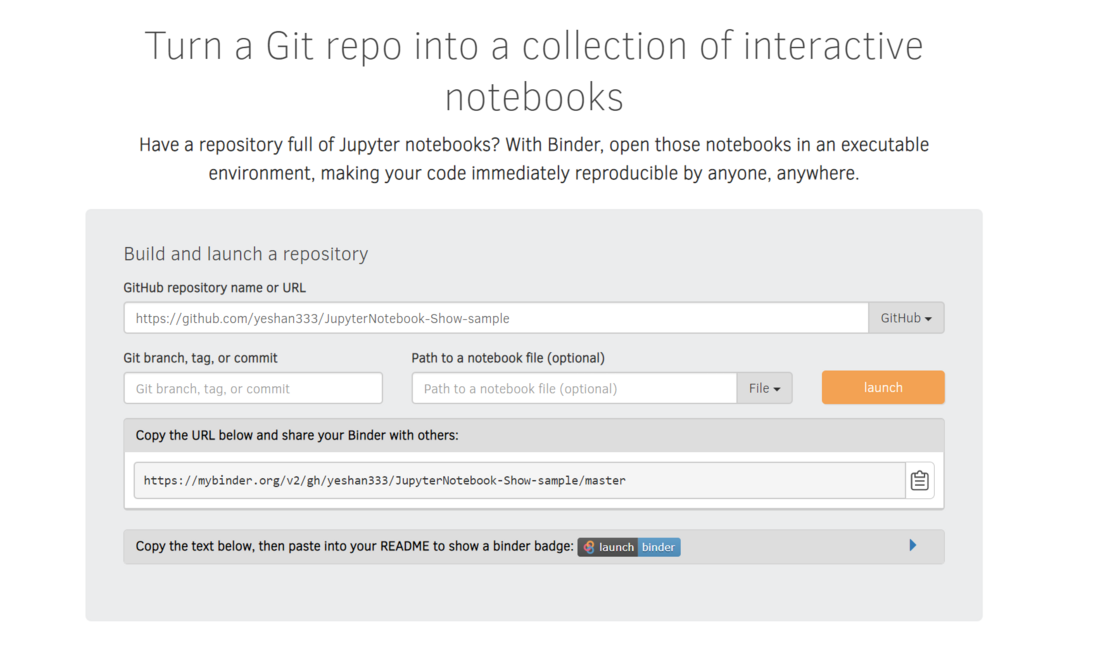
结合Github的示例用法:https://mybinder.org/v2/gh/ + <用户名/仓库名> + /分支名 + ?filepath= + ipynb文件名
例如:https://mybinder.org/v2/gh/yeshan333/JupyterNotebook-Show-sam...

很nice啊,在线交互式环境,在线跑代码,就是渲染有点小慢
google colab
官方介绍:https://colab.research.google.com/notebooks/welcome.ipynb,需要科学上网
{% raw %}
<div style="position: relative; width: 100%; height: 0; padding-bottom: 75%;"><iframe src="//player.bilibili.com/player.html?aid=62772711&cid=109062819&page=1" scrolling="no" border="0" frameborder="no" framespacing="0" allowfullscreen="true" style="position: absolute; width: 100%; height: 100%; left: 0; top: 0;"></iframe></div>
{% endraw %}
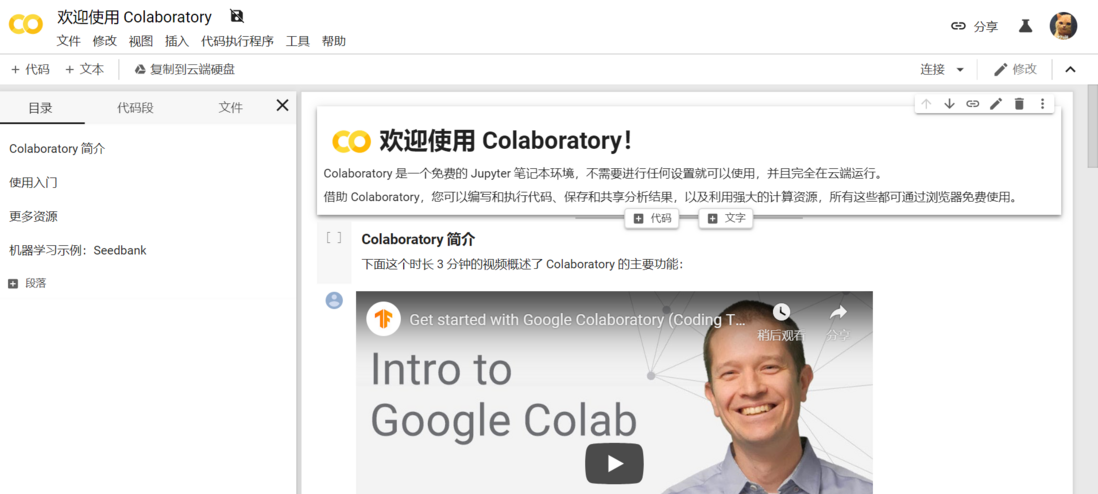
结合Github的示例用法:https://colab.research.google.com/github/ + 用户名/ + 存放ipynb文件的仓库名/ + blob/ + 分支名 + 要展示的ipynb文件路径
示例:https://colab.research.google.com/github/yeshan333/JupyterNot...
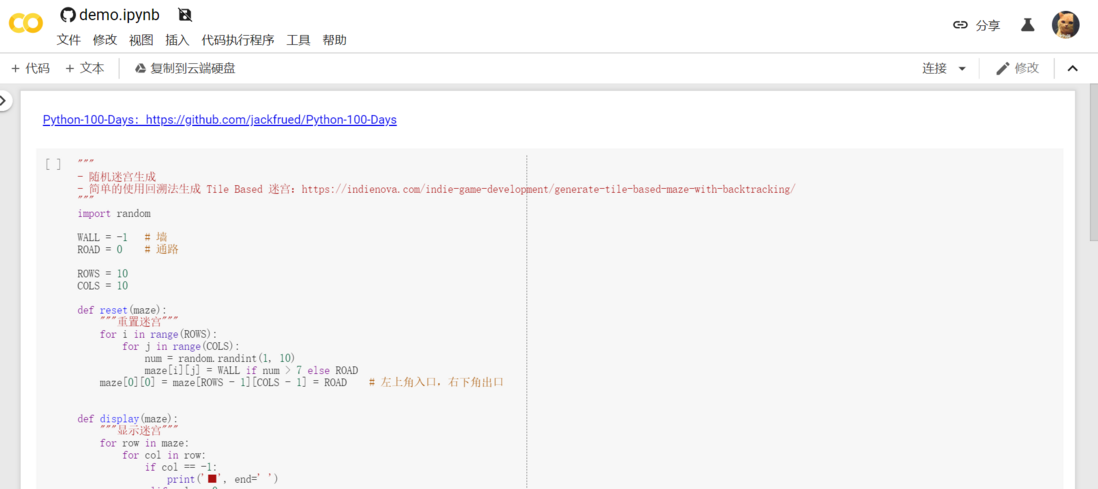
也是个在线的交互式环境,很nice了
本文由博客一文多发平台 OpenWrite 发布!
评论
登录后参与技术讨论,分享你的经验与见解。
登录 / 注册暂无评论