关于 Markdown 的一些技巧

文章目录
这篇笔记的目的是整理Markdown 的一些不常用,却又十分有用的小技巧。
什么是Markdown?
Markdown 是一种轻量级标记语言,创始人为约翰·格鲁伯。它允许人们使用易读易写的纯文本格式编写文档,然后转换成有效的XHTML文档。这种语言吸收了很多在电子邮件中已有的纯文本标记的特性。 —— 维基百科
Markdown 高级技巧
在Markdown 中,可以直接插入 HTML,目前支持的HTML 元素有:
<kbd><b><i><em><sub><sup><br>- 等
键盘标签
可以使用<kbd>标签使文本看起来像按钮,这与常规反引号文本略有不同。
Copy code with Control + C
可视化差异
可以使用反引号可视化差异,并diff根据需要突出显示红色或绿色的线。
10 PRINT “BASIC IS COOL”
- 20 GOTO 11
+ 20 GOTO 10
隐藏不必要的输出
添加冗长的错误日志或冗长程序输出的问题可以解决的错误有帮助的,但如果它占用页的垂直空间,可以考虑使用<details>和<summary>标签。
<details>
<summary>git clone 成功,点击查看详情信息</summary>
<pre>
Cloning into 'php-markdown-blog'...
remote: Enumerating objects: 67, done.
remote: Counting objects: 100% (67/67), done.
remote: Compressing objects: 100% (55/55), done.
remote: Total 67 (delta 12), reused 59 (delta 7), pack-reused 0
Unpacking objects: 100% (67/67), done.
</details>
<details>
<summary>git clone 成功,点击查看详情信息</summary>
<pre>
Cloning into 'php-markdown-blog'...
remote: Enumerating objects: 67, done.
remote: Counting objects: 100% (67/67), done.
remote: Compressing objects: 100% (55/55), done.
remote: Total 67 (delta 12), reused 59 (delta 7), pack-reused 0
Unpacking objects: 100% (67/67), done.
</details>
使图像文字居中
HTML 中的<div align="center"> 居然可以神奇的应用在 Markdown 中,然所有内容居中。
<div align="center">

<p>This is some centered text.</p>
</div><div align="center">
<p>This is some centered text.</p>
</div>
较小的文字
使用<sub>、<sup>标签,可以使文字变小,非常适合在图像下面添加描述。
<div align="center">
<br>
<sup><strong>Fig 1:</strong> Megatocat into action</sup>
</div>
View more octocats on the [Octodex](https://octodex.github.com/)!<div align="center">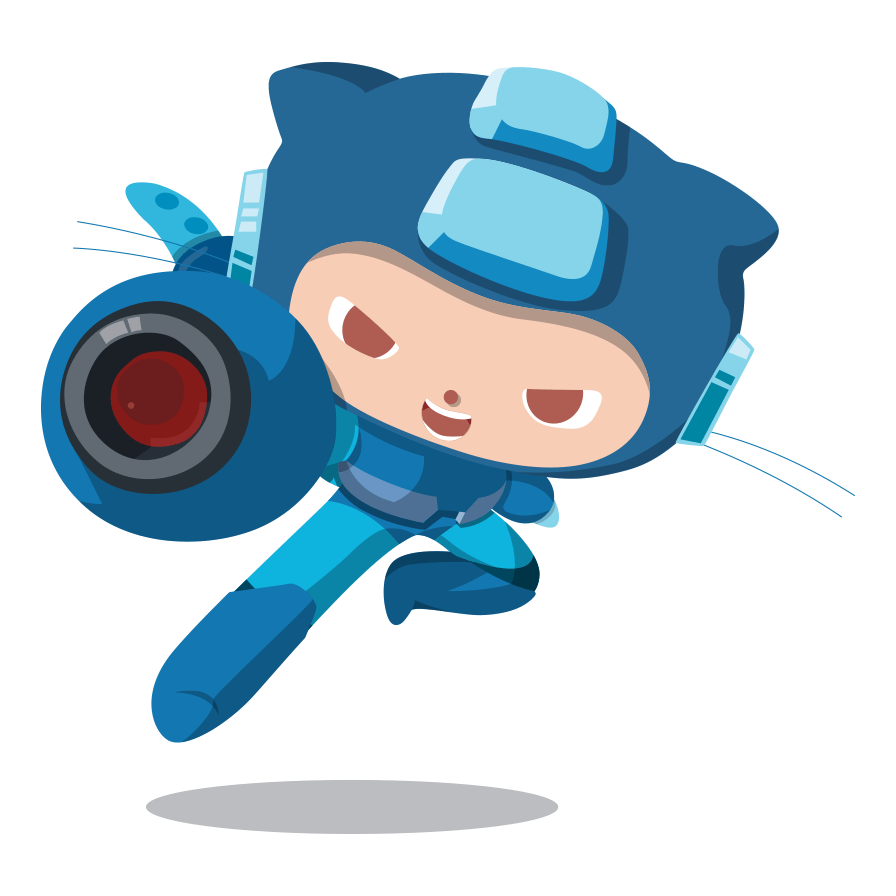
Fig 1: Megatocat into action
</div>
View more octocats on the Octodex
评论
登录后参与技术讨论,分享你的经验与见解。
登录 / 注册暂无评论