vue2.x 配置代理 proxy

文章目录
vue2.x本地开发配置代理
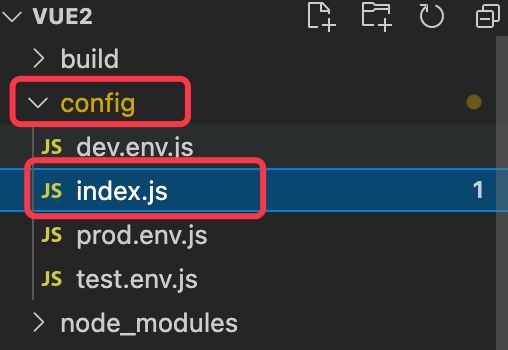
1、打开项目中config -> index.js文件
2、修改proxyTable中的内容
proxyTable: {
      "/service-core": {
        // 把 localhost:8080 代理为下面的地址
        target: "https://test.eastgrain.cn", // localhost:8080代理为这个地址
        secure: true, // 如果是https,需要配置true
        changeOrigin: true, // 是否跨域
        // pathRewrite: {   // 重写,如果开发环境地址中不需要service-core,那么可以将其重写为''
        //   "^/service-core": ""
        // }
      }
      // 想要代理的地址:'localhost:8080/service-core/wechat/serviceAccount/qrCode/create'
      // 代理后的地址 'https://test.eastgrain.cn/service-core/wechat/serviceAccount/qrCode/create'
      // axios 请求接口写法 axios.get('/service-core/wechat/serviceAccount/qrCode/create')...
}
按照上面的方法可以配置多个代理。
评论
登录后参与技术讨论,分享你的经验与见解。
登录 / 注册暂无评论