有了chatGPT搞IT的是否要下岗了!看chatGPT怎样写代码!
文章目录
能给我写一个贪吃蛇游戏代码吗?
当然可以!以下是一个简单的贪吃蛇游戏的 Python 代码示例:
import pygame
import random
游戏窗口大小
WINDOW_WIDTH = 800
WINDOW_HEIGHT = 600
蛇身和食物大小
CELL_SIZE = 20
颜色定义
BLACK = (0, 0, 0)
GREEN = (0, 255, 0)
RED = (255, 0, 0)
初始化 Pygame
pygame.init()
window = pygame.display.set_mode((WINDOW_WIDTH, WINDOW_HEIGHT))
pygame.display.set_caption("贪吃蛇游戏")
蛇类
class Snake:
def init(self):
self.body = [(WINDOW_WIDTH/2, WINDOW_HEIGHT/2)]
self.direction = random.choice(["UP", "DOWN", "LEFT", "RIGHT"])
python复制代码def move(self):
x, y = self.body[0]
if self.direction == "UP":
    y -= CELL_SIZE
elif self.direction == "DOWN":
    y += CELL_SIZE
elif self.direction == "LEFT":
    x -= CELL_SIZE
elif self.direction == "RIGHT":
    x += CELL_SIZE

self.body.insert(0, (x, y))
self.body.pop()
def change_direction(self, direction):
if direction == "UP" and self.direction != "DOWN":
    self.direction = direction
elif direction == "DOWN" and self.direction != "UP":
    self.direction = direction
elif direction == "LEFT" and self.direction != "RIGHT":
    self.direction = direction
elif direction == "RIGHT" and self.direction != "LEFT":
    self.direction = direction
def draw(self):
for x, y in self.body:
    pygame.draw.rect(window, GREEN, (x, y, CELL_SIZE, CELL_SIZE))
def check_collision(self):
x, y = self.body[0]
if x < 0 or x >= WINDOW_WIDTH or y < 0 or y >= WINDOW_HEIGHT:
    return True
for body_part in self.body[1:]:
    if body_part == (x, y):
        return True
return False
def eat_food(self, food):
if self.body[0] == food.position:
    self.body.append((food.position[0], food.position[1]))
    food.generate()
食物类
class Food:
def init(self):
self.position = (
    random.randint(0, (WINDOW_WIDTH-CELL_SIZE) // CELL_SIZE) * CELL_SIZE,
    random.randint(0, (WINDOW_HEIGHT-CELL_SIZE) // CELL_SIZE) * CELL_SIZE
)
ruby复制代码def draw(self):
pygame.draw.rect(window, RED, (self.position[0], self.position[1], CELL_SIZE, CELL_SIZE))
def generate(self):
self.position = (
random.randint(0, (WINDOW_WIDTH-CELL_SIZE) // CELL_SIZE) * CELL_SIZE,
random.randint(0, (WINDOW_HEIGHT-CELL_SIZE) // CELL_SIZE) * CELL_SIZE
)
snake = Snake()
food = Food()
clock = pygame.time.Clock()
游戏主循环
running = True
while running:
for event in pygame.event.get():
if event.type == pygame.QUIT:
running = False
elif event.type == pygame.KEYDOWN:
if event.key == pygame.K_UP:
snake.change_direction("UP")
elif event.key == pygame.K_DOWN:
snake.change_direction("DOWN")
elif event.key == pygame.K_LEFT:
snake.change_direction("LEFT")
elif event.key == pygame.K_RIGHT:
snake.change_direction("RIGHT")
scss复制代码snake.move()
if snake.check_collision():
running = False
snake.eat_food(food)
window.fill(BLACK)
snake.draw()
food.draw()
pygame.display.flip()
clock.tick(10)
pygame.quit()
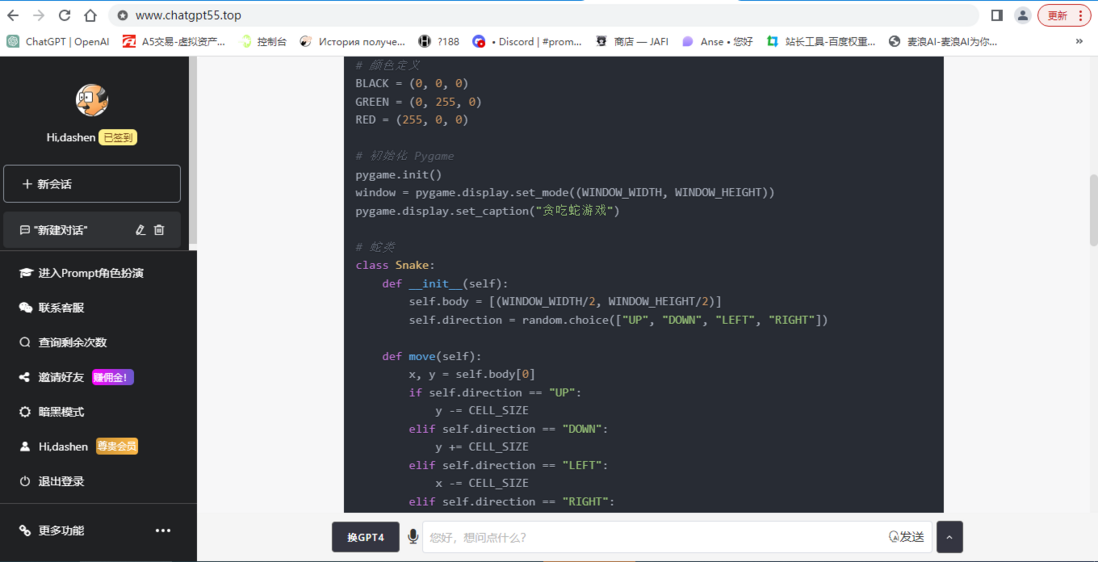
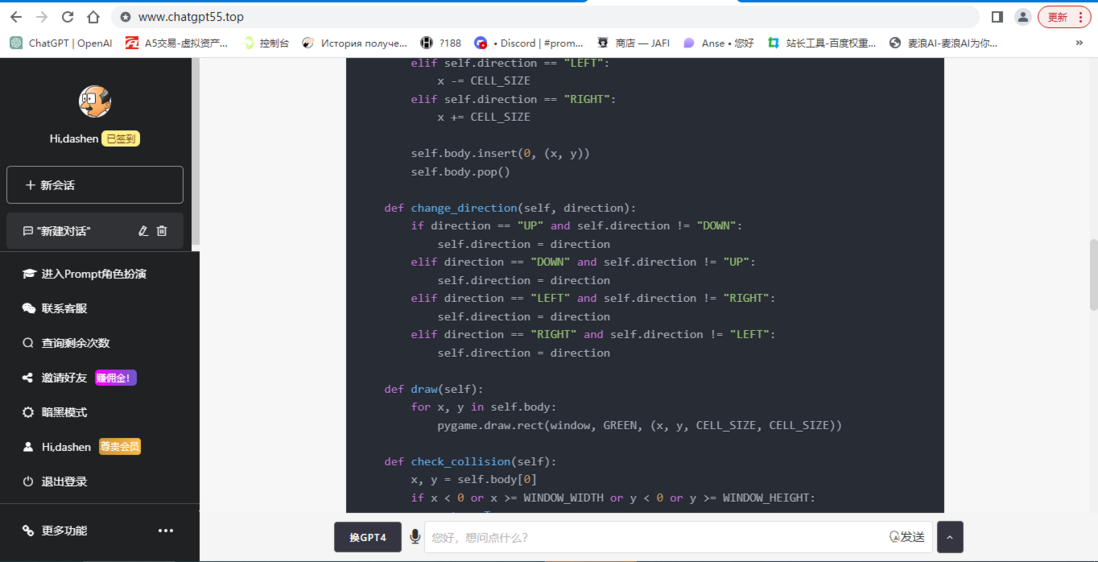
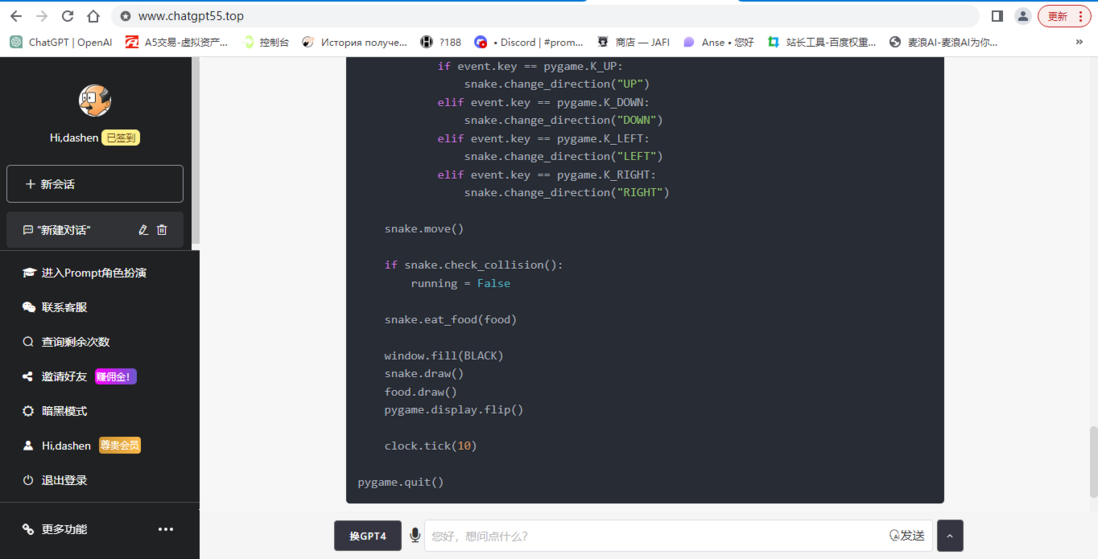
这段代码使用了 Pygame 库来实现游戏窗口和图形的绘制,以及捕获键盘事件。贪吃蛇的移动、吃食物和碰撞检测等逻辑也在代码中实现。你可以将代码复制到 Python 环境中执行,就可以玩这个简单的贪吃蛇游戏了。(附带图片)
人工智能真的要改变我们未来的生活环境了,如还在排斥着不去接收新鲜事物。未来淘汰的就是我们这些不去主动学习,不去接收新鲜事物的一群人。



评论
登录后参与技术讨论,分享你的经验与见解。
登录 / 注册暂无评论