学习Spring源码篇之环境搭建

文章目录
本文是学习 Spring 源码的第一篇,下载 Spring 源码及编译运行并测试。
环境准备
JDK11、Gradle、Maven、SpringFramework 5.2.0.RELEASE
下载源码及编译
进入 github :https://github.com/spring-pro...
在 Tags 中选择需要的版本,随后右侧下载即可。
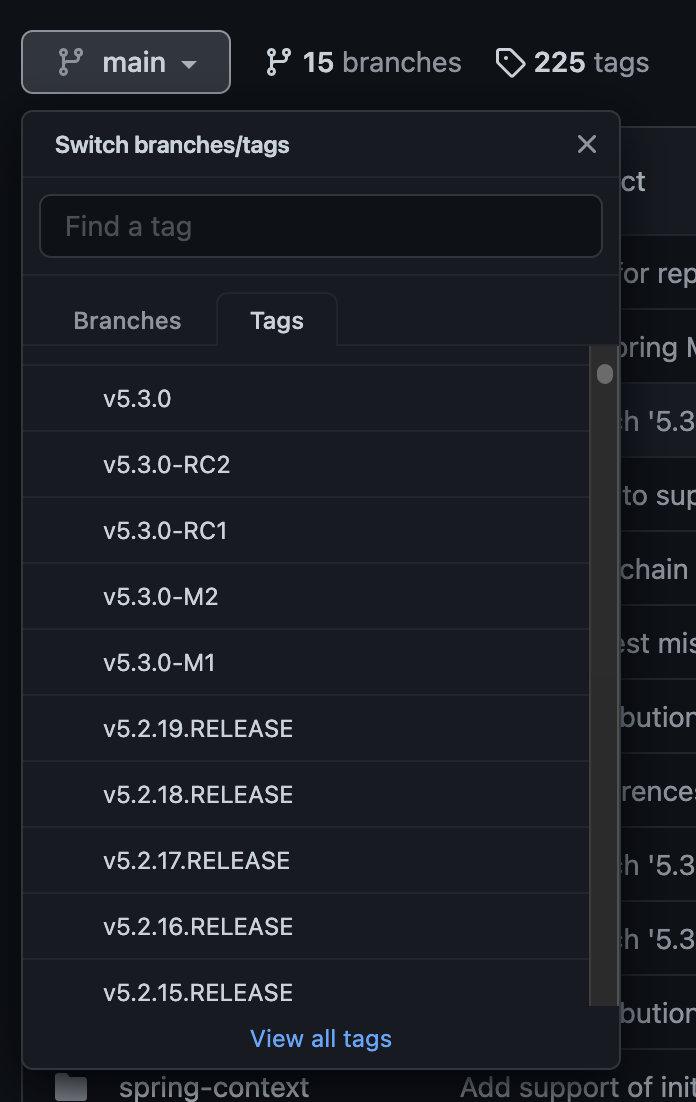
下载完成解压后,进入spring-framework-5.2.0.RELEASE文件中,通过终端执行以下命令:
./gradlew :spring-oxm:compileTestJava如果下载过慢可以使用阿里云镜像。
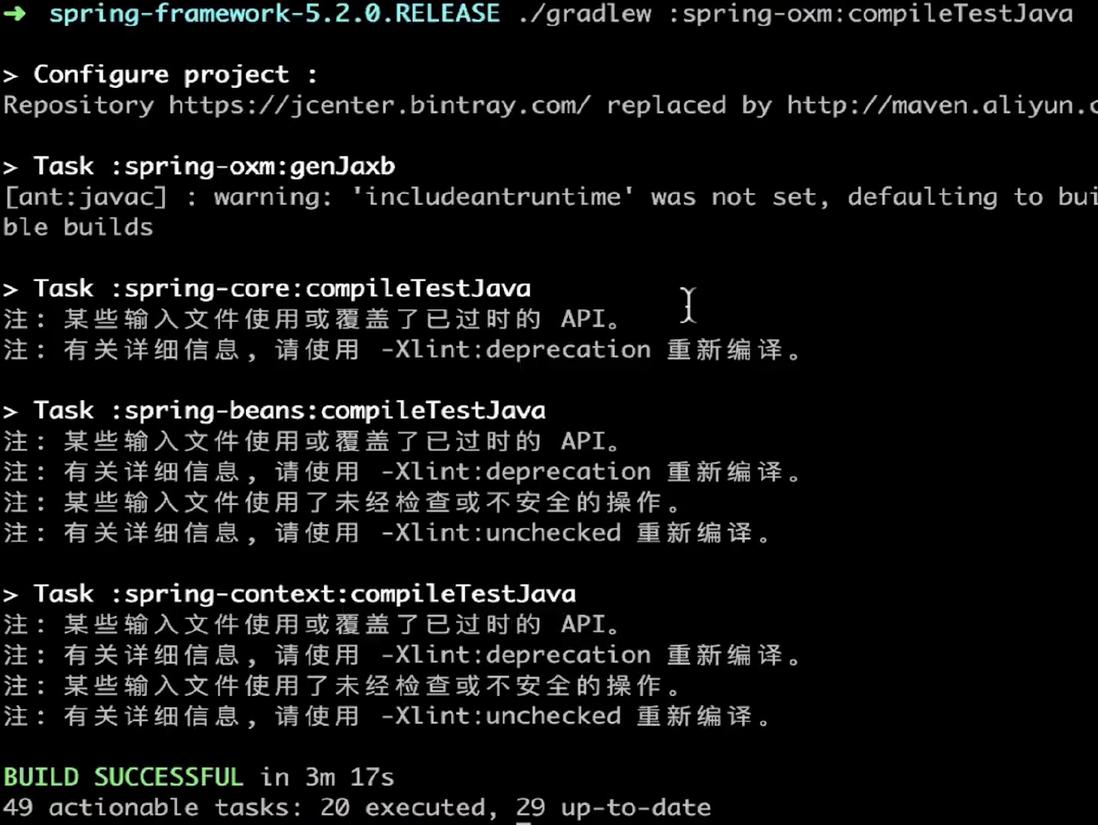
随后通过 IDEA 导入项目,gradle 会自动编译。
在编译中可能会报如下错误:
POM relocation to an other version number is not fully supported in Gradle : xml-apis:xml-apis:2.0.2 relocated to xml-apis:xml-apis:1.0.b2.
修改引入方式,修改 bulid.gradle,搜索 configurations.all,添加如下内容:
force 'xml-apis:xml-apis:1.4.01'configurations.all { resolutionStrategy { cacheChangingModulesFor 0, "seconds" cacheDynamicVersionsFor 0, "seconds" force 'xml-apis:xml-apis:1.4.01' } }
随后我们排除掉spring-aspects模块,右键该模块选择 Load/UnLoad Modules... 即可。
测试
我们新建一个 gradle 模块项目 springdemo 进行测试。目录结构如下:

build.gradle 加入依赖,这里只加入 context 是因为 context 中已经引入了 code、aop、beans 等核心模块。
dependencies {
    compile(project(":spring-context"))
    testCompile group: 'junit', name: 'junit', version: '4.12'
}
先创建一个接口和实现类。
public interface WelcomeService {

    String sayHello(String name);

}
@Service
public class WelcomeServiceImpl implements WelcomeService {

    @Override
    public String sayHello(String name) {
        System.out.println("欢迎你:" + name);
        return "success";
    }
}
创建 spring 的配置文件,然后注册 bean。
<?xml version="1.0" encoding="UTF-8"?>
<beans xmlns="http://www.springframework.org/schema/beans"
      xmlns:xsi="http://www.w3.org/2001/XMLSchema-instance"
      xsi:schemaLocation="http://www.springframework.org/schema/beans
       http://www.springframework.org/schema/beans/spring-beans.xsd">
   <bean id="welcomeService" class="cn.jack.service.impl.WelcomeServiceImpl"/>
</beans>
最后我们创建启动类进行测试。
/**
 * @author 神秘杰克
 * 公众号: Java菜鸟程序员
 * @date 2022/3/14
 * @Description 启动类
 */
public class Entrance {

   public static void main(String[] args) {
      ApplicationContext applicationContext = new ClassPathXmlApplicationContext("spring/spring-config.xml");
      WelcomeService welcomeService = (WelcomeService) applicationContext.getBean("welcomeService");
      welcomeService.sayHello("Spring框架!");
   }
}
运行结果:
> Task :springdemo:Entrance.main()
欢迎你:Spring框架!

BUILD SUCCESSFUL in 9s
OK,到这里就完成了 Spring 源码的下载编译及测试。
评论
登录后参与技术讨论,分享你的经验与见解。
登录 / 注册暂无评论