stardog graphql 简单操作

文章目录
预备环境:
下载stardog 软件包
graphql 查询地址
创建一个简单数据库
./stardog-admin db create -nstarwars
graphql 查询方式
http 地址: http://localhost:5820/starwars/graphql 或者命令行: ./stardog graphql starwars "{ Human { name }}" curl -G -vsku admin:admin --data-urlencode query="{ Human { name }}" localhost:5820/starwars/graphql
添加schema
简单schema定义
schema { query: QueryType }
type QueryType { Character: Character Human(id: Int, first: Int, skip: Int, orderBy: ID): Human Droid(id: Int): Droid }
interface Character { id: Int! name: String! friends(id: Int): [Character] appearsIn: [Episode] }
type Human implements Character { iri: ID! id: Int! name: String! friends(id: Int): [Character] appearsIn: [Episode] }
type Droid implements Character { id: Int! name: String! friends(id: Int): [Character] appearsIn: [Episode] primaryFunction: String }
type Episode { index: Int! name: String! }
添加schema
./stardog graphql schema --add characters starwars ../app.graphql
查询schema
效果

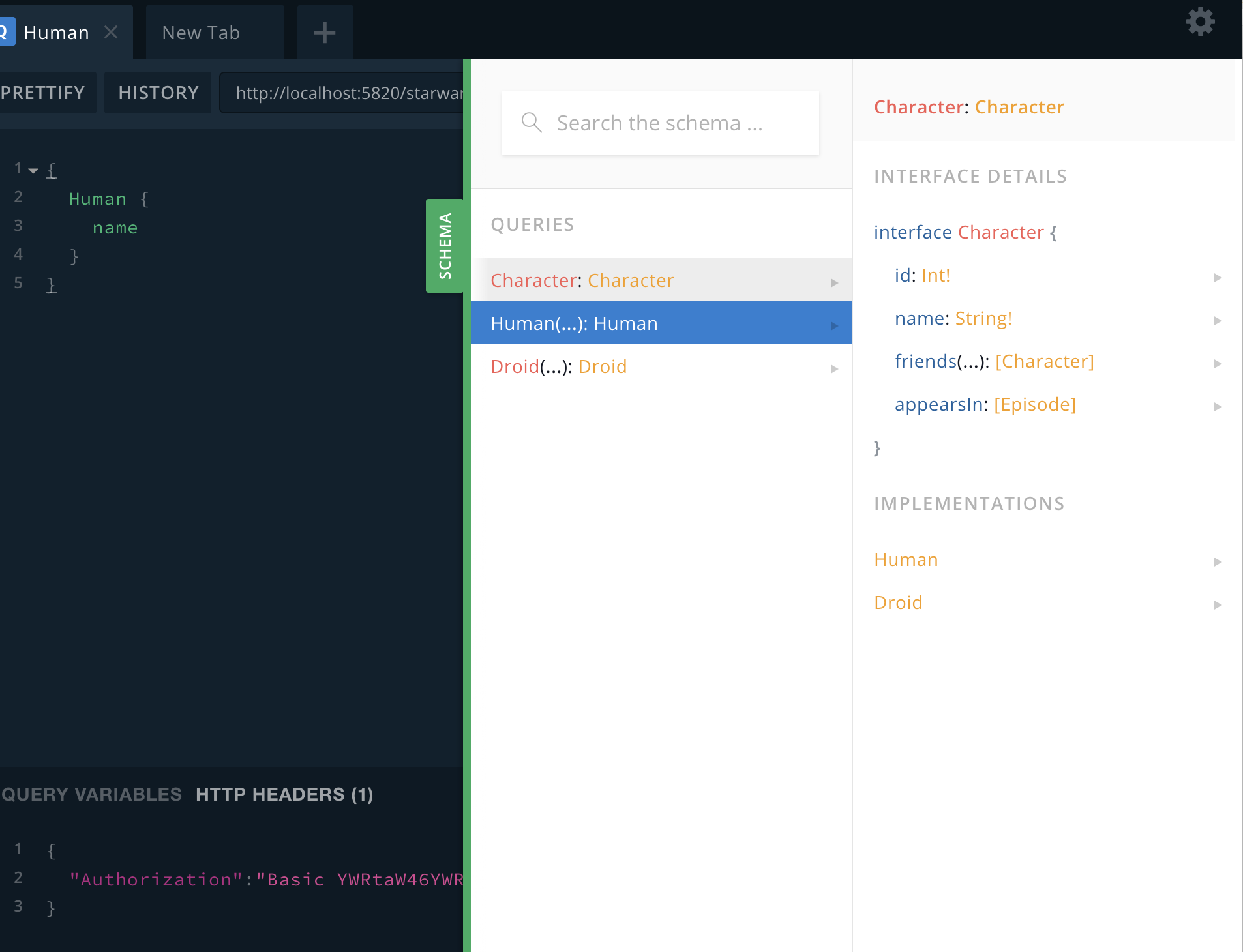
http basic 认证header 生成说明
创建base64 编码
echo "Basic $(echo -n "admin:admin" | base64)"
添加header
{ "Authorization":"Basic YWRtaW46YWRtaW4=" }
评论
登录后参与技术讨论,分享你的经验与见解。
登录 / 注册暂无评论