为 fastapi 添加全局唯一请求id,用于日志跟踪

文章目录
为了做日志跟踪,我们可以用下面的办法来搞一个 request_id 或者说 correlation_id 的东西。
main.py
import sys
import uvicorn
import logging
from uuid import uuid4
from loguru import logger
from fastapi import FastAPI
from fastapi import Request
from typing import Optional
from contextvars import ContextVar


correlation_id: ContextVar[Optional[str]] = ContextVar(
    'correlation_id', default=None)

app = FastAPI()


@app.middleware("http")
async def add_request_id_header(request: Request, call_next):
    correlation_id.set(uuid4().hex)
    response = await call_next(request)

    response.headers["x-request-id"] = correlation_id.get()
    return response


logger.remove()


def correlation_id_filter(record):
    record['correlation_id'] = correlation_id.get()
    return record['correlation_id']


fmt = "<green>{time:YYYY-MM-DD HH:mm:ss.SSS}</green> | <level>{level: <8}</level> | <red> {correlation_id} </red> | <cyan>{name}</cyan>:<cyan>{function}</cyan>:<cyan>{line}</cyan> - <level>{message}</level>"


logger.add(sys.stderr, format=fmt, level=logging.DEBUG,
           filter=correlation_id_filter)


@app.get('/')
def index():
    logger.info(f"Request with id ")
    return 'OK'


if __name__ == "__main__":
    uvicorn.run(app="main:app", host="0.0.0.0", port=8000)
使用下面的命令运行程序:
python main.py用下面的命令发起 http 请求来做测试
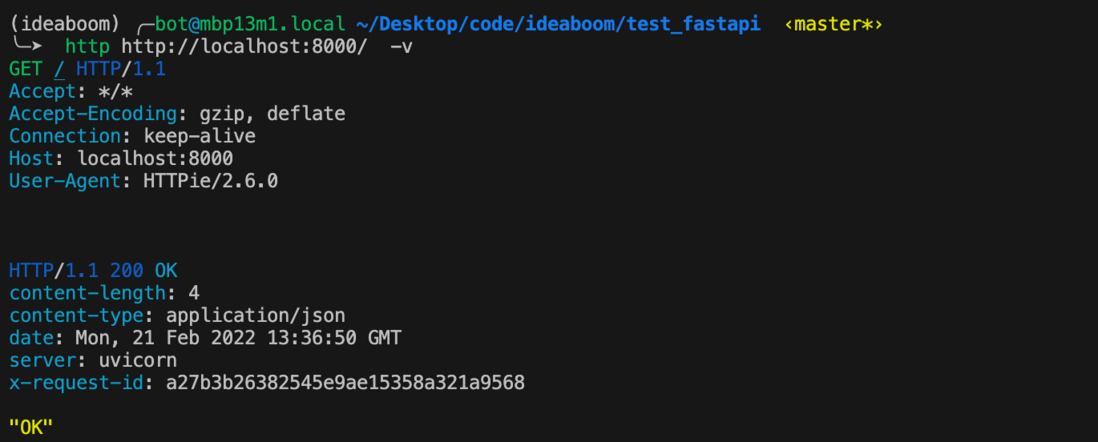
http http://localhost:8000/ -v可以使用apt install httpie或者brew install httpie来安装 http 命令
输出如下:
GET / HTTP/1.1
Accept: */*
Accept-Encoding: gzip, deflate
Connection: keep-alive
Host: localhost:8000
User-Agent: HTTPie/2.6.0


HTTP/1.1 200 OK
content-length: 4
content-type: application/json
date: Mon, 21 Feb 2022 13:36:50 GMT
server: uvicorn
x-request-id: a27b3b26382545e9ae15358a321a9568

"OK"
事实上,已经有相应的开源实现了:snok/asgi-correlation-id
参考文章:
FastAPI 入门系列 之 中间件!
评论
登录后参与技术讨论,分享你的经验与见解。
登录 / 注册暂无评论