通过frp将本地代理服务给服务器使用
目标:在服务器上访问外网
服务器配置代理感觉太麻烦了,想到的另一个解决方案
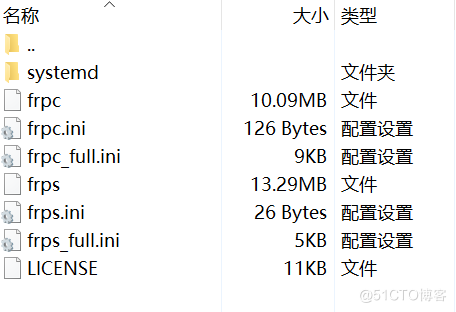
下载 frp
在服务器上配置 frps.toml
webServer.addr = "0.0.0.0"
webServer.port = 7500 # 仪表盘监控端口,可以通过它在网站上查看端口流量使用情况
webServer.user = "admin"
webServer.password = "123456"

bindPort = 7000 # 服务端监听端口,默认值为 7000
启动 frps 服务
frps -c frps.toml使用 systemctl 配置开机自启,参考官方文档:使用 systemd | frp
在本机配置 frpc.toml
注:如果在 windows 就下载对应的 windows 版本的 frp 进行配置
在客户端配置 frpc
serverAddr = "xxx.xx.xxx.xxx" # 服务器公网ip
serverPort = 7000    # frps 上配置的 bindPort

[[proxies]]
name = "proxy"
type = "tcp"
localIP = "127.0.0.1"
localPort = 7890  # 本地代理端口
remotePort = 7890 # 服务端绑定的端口,访问服务端此端口的流量会被转发到对应的本地服务
启动 frpc 服务
frpc -c frpc.toml配置开机自启 frps
设置代理
vim ~/.bashrc

# 添加配置文件
export http_proxy="http://xxx.xxx.xx.xx:7890"; # 内网ip地址:端口
export https_proxy="http://xxx.xxx.xx.xx:7890";
source ~/.bashrc验证代理服务
curl "https://www.google.com"