Nginx入门

代码浮尘
• 阅读 2107

1.安装

brew install nginx

Mac配置目录:

/usr/local/etc/nginx/nginx.conf

2.常用命令

nginx -s stop 

nginx -s quit  // 安全的停止服务(比如等到当前正在的请求完成后才结束进程)

nginx -s reload  // 重新加载配置文件

nginx -s reopen  // 重新打开日志文件

注:

nginx -s quit

This command should be executed under the same user that started nginx.

3.完整配置样本

user www;

worker_processes 12;

error_log /var/log/nginx/error.log;

pid /var/run/nginx.pid;

events {
    use /dev/poll;
    worder_connections 2048;
}

http {
    include /opt/local/etc/nginx/mime.types;
    default_type application/octet-stream;
    sendfile on;
    tcp_nopush on;
    tcp_nodelay on;
    keepalive_timeout 65;
    server_names_hash_max_size 1024;
}

server {
    listen 80;
    return 444;
}

server {
    listen 80;
    server_name www.example.com;
    location / {
        try_files $uri $uri/ @mongrel;
    }
    location @mongrel {
        proxy_pass http://127.0.0.1:8080;
    }
}

Nginx是由指令控制的模块组成的,指令分简单指令和块指令。简单指令由name,parameters(通过空格分开)和分号组成。块指令拥有相同的结构,只不过是以{ }结尾。若块指令还包含其他指令,则称为context(例如:events http,server,location)。

4.http模块

Serving Static Content

web服务器最重要的一项功能就是为静态提供服务。接下来就是做两个实例,实现访问静态html和图片。

在本地新建两个目录:

/data/www

/data/image

分别添加一个index.html和一个test.jpg图片到里面。

打开nginx.conf在http块指令下添加:

server {
    listen 1234;//不要和配置里面的其他端口重复,默认80
    
    location / {
        root /data/www;
    }
    
    location /image/ {
        root /data/image;
    }
}

重新加载配置:

nginx -s reload

打开浏览器分别访问:

http://localhost:1234/index.html

http://localhost:1234/image/t...

就能看到相应的内容。

Setting Up a Simple Proxy Server

Nginx另一个经常用到的功能是代理,通俗点就是中转站。

在配置文件里新增一个server:

server {
    listen 1200;
    location / {
        proxy_pass https://www.baidu.com/;
    }
}

此时访问:http://localhost:1200,就会看到百度首页。

原文:http://www.jianshu.com/p/9c0c...

点赞
收藏
评论区
推荐文章
十月飞翔 十月飞翔
3年前
docker 启动nginx,指定映射目录,启动后nginx不退出
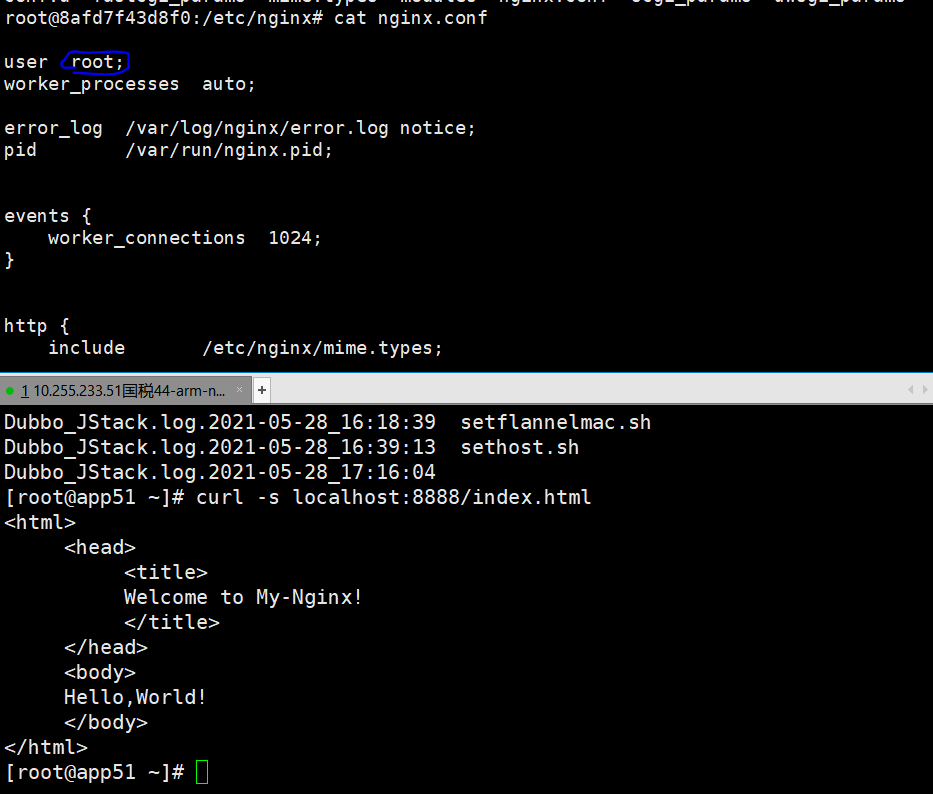
1.nginx退出问题:需要把/etc/nginx/nginx.conf里的user由nginx改成当前用户root。3.在/usr/share/nginx/html/index.html里保存了网页,有时候是空的,需要自己创建访问页面root@8afd7f43d8f0:/usr/share/nginx/htmlcat<index.html
芝士年糕 芝士年糕
3年前
nginx 启动、停止、关闭
使用3A服务器搭建的centos系统安装nginx教程在我的往期博客中1,nginx指定配置文件/usr/local/nginx/sbin/nginxc/usr/local/nginx/conf/nginx.conf1c参数指定了要加载的nginx配置文件路径1,从容停止Nginx:killQUIT主进程号2,快速停止Nginx:kil
Stella981 Stella981
4年前
Nginx配置https
一、开启nginx的ssl模块1.未安装过nginx,编译安装配置参数如下:./configure\prefix/usr/local/nginx\withpcre\withhttp\_ssl\_modulessl模块\withhttp\_stub\_status\_module\wit
Wesley13 Wesley13
4年前
LNMP架构之虚拟主机配置、用户认证及域名重定向
本文索引:配置nginx虚拟主机nginx用户认证针对目录针对文件域名重定向配置nginx虚拟主机修改nginx主配置文件root@localhostnginx1.12.2vim/usr/local/nginx/conf/ngi
Wesley13 Wesley13
4年前
LNMP架构之访问日志、日志切割、静态文件不记录及过期时间设置
本文索引:Nginx访问日志Nginx日志切割静态文件不记录日志和过期时间Nginx访问日志修改nginx配置文件root@localhostvhostvim/usr/local/nginx/conf/nginx.conf搜索:/log_format
Stella981 Stella981
4年前
Nginx SSL补充安装
在centos中,配置nginx的https时,出现如下错误。nginx:\emerg\unknowndirective"ssl"in/usr/local/nginx/conf/nginx.conf:102,说明编译是没有启用SSL。到解压的nginx目录下./configurewith
Stella981 Stella981
4年前
Nginx之使用nginx搭建简单的文件服务器
  使用nginx可以搭建简单文件服务器  安装nginx(不详述)    修改配置文件/usr/local/nginx/conf/nginx.confuserroot;worker_processes1;error_loglogs/error.log;pidlog
Wesley13 Wesley13
4年前
2018.9.20笔记
Nginx默认虚拟主机去掉usr/local/nginx/conf/nginx.conf中的内容Server{.....}vim/usr/local/nginx/conf/nginx.conf//增加includevhost/.conf;
Wesley13 Wesley13
4年前
nginx配置虚拟主机相关教程
1.配置虚拟主机配置虚拟主机即:在一台服务器上启动多个网站;区分不同的网站方式:域名不同,端口不同;1.1通过端口区分虚拟主机1.1.1server节点的介绍nginx的配置文件路径:/usr/local/nginx/conf/nginx.conf一个se
十月飞翔 十月飞翔
3年前
docker 启动nginx,指定映射目录,启动后nginx不退出
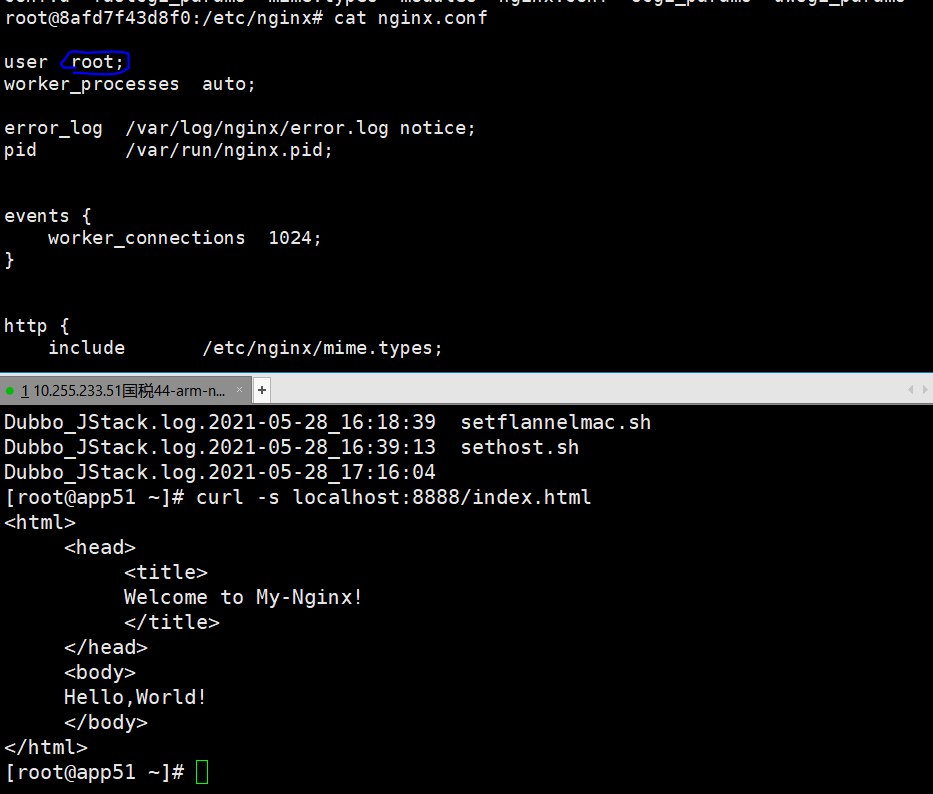
1.nginx退出问题:需要把/etc/nginx/nginx.conf里的user由nginx改成当前用户root。3.在/usr/share/nginx/html/index.html里保存了网页,有时候是空的,需要自己创建访问页面root@8afd7f43d8f0:/usr/share/nginx/htmlcat<index.html
Ngnix常用配置及和基本功能讲解
Ngnix已经广泛应用于Jone和Jdos的环境部署上,本文对Ngnix的常用的配置和基本功能进行讲解,适合Ngnix入门学习。1核心配置找到Nginx安装目录下的conf目录下nginx.conf文件,Ngnix的基本功能配置是由它提供的。1.1配置文件
代码浮尘
代码浮尘
Lv1
故国三千里,深宫二十年。
文章
5
粉丝
0
获赞
0