用 pyproject.toml 管理 Python 依赖和 hwlog 命令入口
本节目录
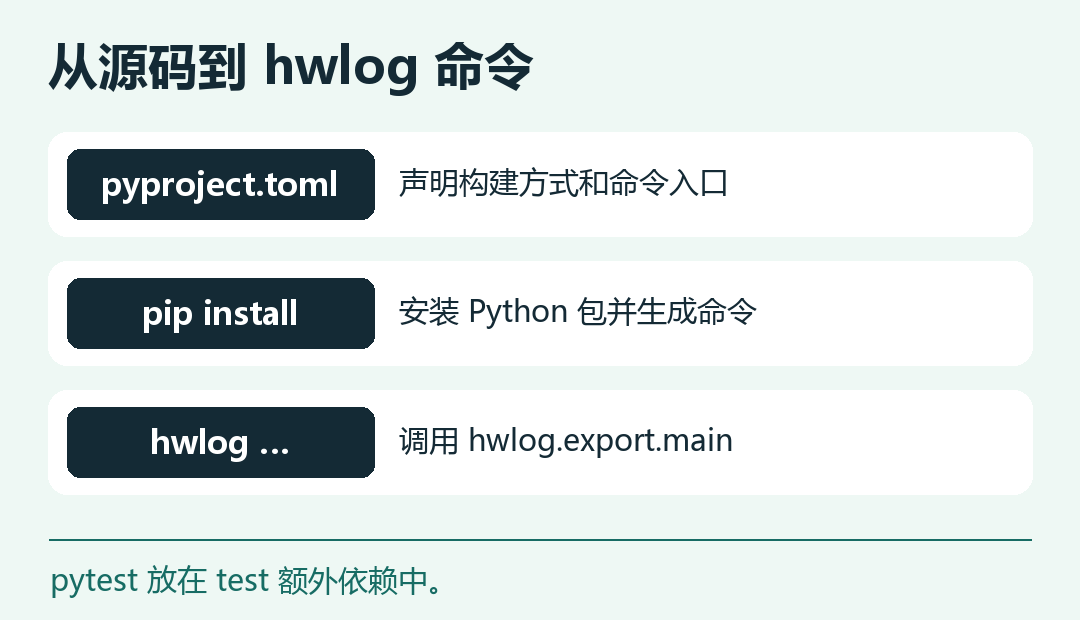
到现在为止,我们需要到脚本目录手动运行 python export.py。这一节把它装成 hwlog 命令。安装后可以在别的目录运行命令,通过参数传入日志路径。我们用 pyproject.toml 声明构建方式、Python 版本、测试依赖和命令入口。 回顾数据类和回归测试 · Python Packaging User Guide
把现有代码放进包
建立如下目录。将第二节修改后的四个模块移动到 src/hwlog/,创建空的 __init__.py,并把两个测试文件放进 tests/。样例仍用第三章的 access.jsonl。 查看第三章样例日志
helloworld-log-cli/
  access.jsonl
  pyproject.toml
  src/
    hwlog/
      __init__.py
      export.py
      log_cli.py
      metrics.py
      records.py
  tests/
    test_log_cli.py
    test_records.py
模块之间改用包内导入。把下面每组对应的导入语句替换进去,其余代码保持原样。
# src/hwlog/log_cli.py
from .records import Request, normalize_duration

# src/hwlog/metrics.py
from .log_cli import build_parser, parse_args, selected_rows

# src/hwlog/export.py
from .log_cli import parse_args
from .metrics import build_report, format_report, metrics_parser
测试从包名导入。在 tests/test_log_cli.py 中把原来两条项目导入的模块名改为 hwlog.log_cli 和 hwlog.metrics;在 tests/test_records.py 中改为 hwlog.log_cli 和 hwlog.records。要用模块方式运行工具,可以执行 python -m hwlog.export。
声明依赖和命令入口
将以下配置保存为项目根目录的 pyproject.toml。
[build-system]
requires = ["setuptools>=64"]
build-backend = "setuptools.build_meta"

[project]
name = "helloworld-log-cli"
version = "0.1.0"
description = "Analyze JSON Lines access logs and export reports."
requires-python = ">=3.11"
dependencies = []

[project.optional-dependencies]
test = ["pytest>=8,<10"]

[project.scripts]
hwlog = "hwlog.export:main"

[tool.setuptools.packages.find]
where = ["src"]

[tool.pytest.ini_options]
testpaths = ["tests"]
dependencies = [] 表明工具运行时只需要标准库。pytest 放在 test 额外依赖里,开发者用 .[test] 安装测试环境。hwlog = "hwlog.export:main" 指向包内可调用的函数,安装器据此生成命令。 Python 包的命令入口
安装、运行并验证
在已激活的 Python 虚拟环境中,进入项目根目录执行:
python -m pip install -e ".[test]"
python -m pytest -q
hwlog access.jsonl --since 2026-11-19T16:00:00Z --until 2026-11-19T17:00:00Z --top 1 --format csv
测试应显示 12 项通过,最后一条命令输出:
method,path,requests
GET,/search,3
-e 是可编辑安装,便于在开发时修改源码后立即运行。准备交付时,可以用 python -m pip wheel --no-deps --wheel-dir dist . 生成 wheel,再把它安装到另一个干净虚拟环境,验证安装包也能运行。
练习时把终端切到上一级目录,用 hwlog --help 检查命令是否仍可用,再把样例路径改为 helloworld-log-cli/access.jsonl 执行一次 CSV 导出。这样可以确认命令入口来自已安装的包,输入文件由调用者指定。
第四章至此完成。之后修改解析和统计时,可以先用测试核对行为,再构建可安装的版本。第五章会用这个命令分析两类实际问题:5xx 上升和慢接口。